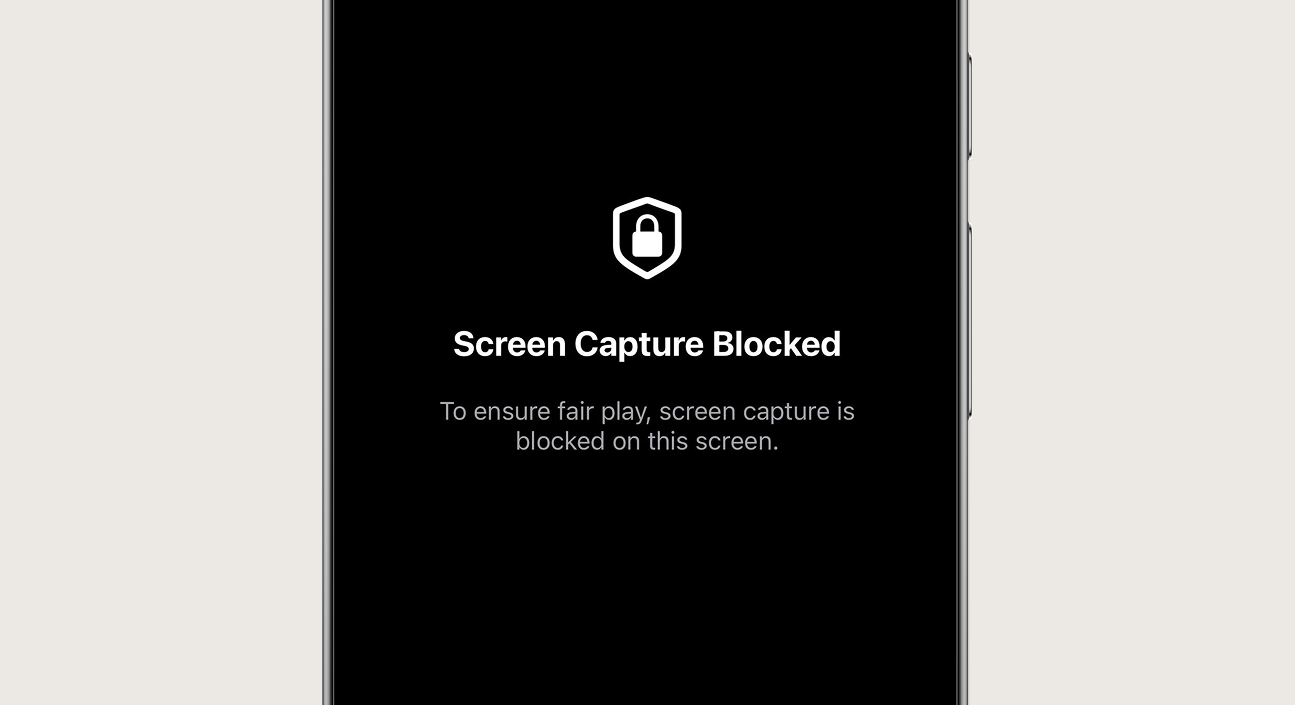
Protect sensitive financial data, confidential documents, or premium media content from unauthorized screen captures and screen recording apps. Nativine enforces native OS-level protection flags directly in the mobile binary.
1. How Screenshot Protection Works
Nativine activates hardware protection flags on both platforms:
- Android (FLAG_SECURE): Sets
WindowManager.LayoutParams.FLAG_SECURE on the native Activity. This prevents screenshots, blocks screen recording apps, and turns the app preview black in the recent tasks manager.
- iOS (UIScreen Protection): Detects screen recording and obscures the window with a solid overlay when a recording or screen capture event is detected.
2. No-Code App Builder Setup Guide
⚡ Nativine Builder Feature: Screenshot & Screen Recording Blocker is integrated directly into the Nativine native app engine. Configure options natively in the App Builder under Add-ons & Plugins > Native UI.
Nativine App Builder Configuration
- Open the Nativine App Builder at /web-to-app-converter-pro.
- Click Add-ons & Plugins in the left builder menu and locate Screenshot & Screen Recording Blocker.
- Toggle Screenshot & Screen Recording Blocker to ON (or click Enable), then click Config.
- Configure your required settings, permissions descriptors, or target web parameters.
- Click Save Config and navigate to the Builds tab to compile your mobile application.
3. Frequently Asked Questions (Q&A)
What happens when a user attempts a screenshot on Android?
Android displays an OS system error toast stating "Taking screenshots isn't allowed by the app or your organization" and prevents saving the image.
Does this prevent external physical cameras?
Hardware screenshot blocking prevents software screen recording and on-device screenshot captures. It cannot physically prevent someone from photographing the phone screen with a second camera.