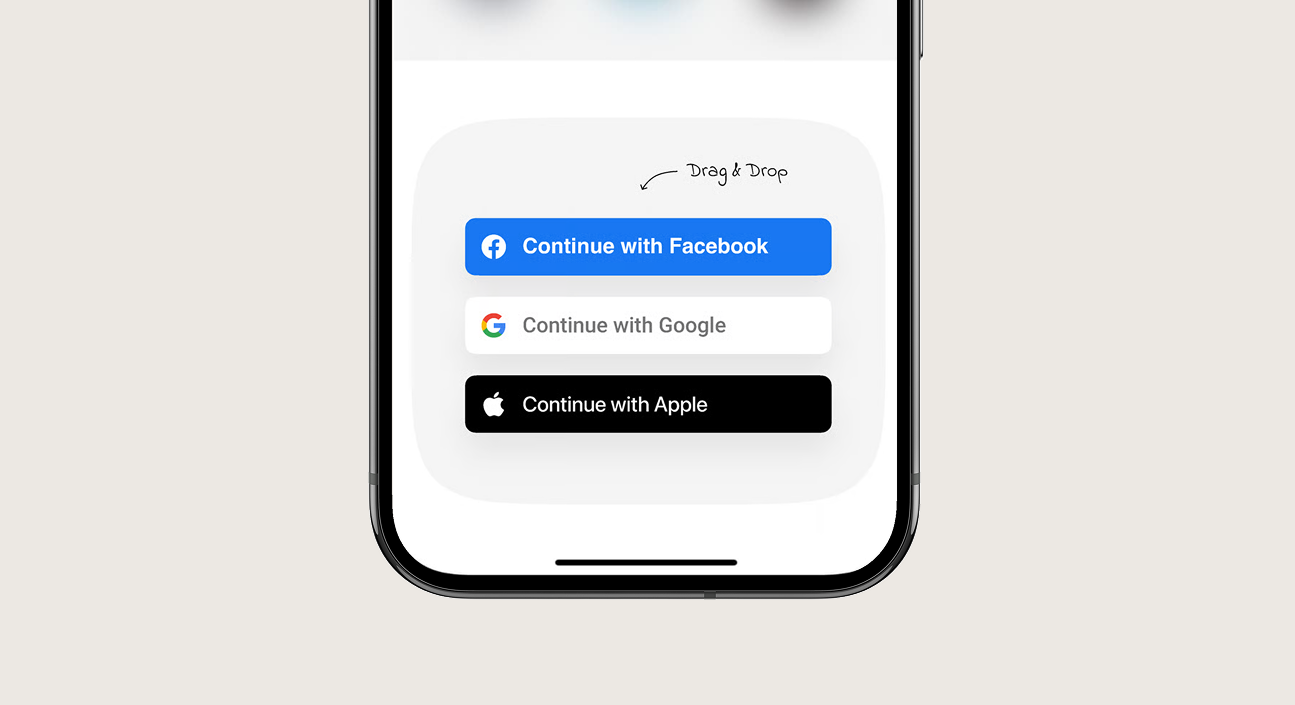
Enable seamless, 1-click social logins for Google, Apple, and Facebook. Nativine handles native OAuth popups and redirect URI schemes, preventing 403 disallowed user-agent errors inside mobile WebViews.
1. Overview & Google / Apple Guidelines
Major social providers enforce strict authentication policies on mobile:
- Google Sign-In: Google blocks OAuth login attempts inside standard WebViews with
disallowed_useragent. Nativine automatically intercepts Google OAuth URLs to launch in an authenticated Custom Tab or native Google Sign-In SDK.
- Sign in with Apple (Mandatory for iOS): Apple App Store guidelines require that any app offering third-party social logins (Google/Facebook) MUST also offer Sign in with Apple.
2. No-Code App Builder Setup Guide
⚡ Nativine Builder Feature: OAuth & Social Login (Google, Apple, Facebook) is integrated directly into the Nativine native app engine. Configure options natively in the App Builder under Add-ons & Plugins > Native UI.
Nativine App Builder Configuration
- Open the Nativine App Builder at /web-to-app-converter-pro.
- Click Add-ons & Plugins in the left builder menu and locate OAuth & Social Login (Google, Apple, Facebook).
- Toggle OAuth & Social Login (Google, Apple, Facebook) to ON (or click Enable), then click Config.
- Configure your required settings, permissions descriptors, or target web parameters.
- Click Save Config and navigate to the Builds tab to compile your mobile application.
3. Frequently Asked Questions (Q&A)
Why does Google throw error 403: disallowed_useragent?
Google prevents logging into Google accounts inside embedded webviews for security. Enabling Google Sign-In in Nativine resolves this error automatically by routing auth requests through secure system browser tabs.
Will Apple reject my app if I don't include Apple Sign-In?
Yes. Section 4.8 of the Apple App Store Review Guidelines states that if an iOS app offers any third-party social sign-in, Sign in with Apple must also be enabled.

 OAuth & Social Login (Google, Apple, Facebook)