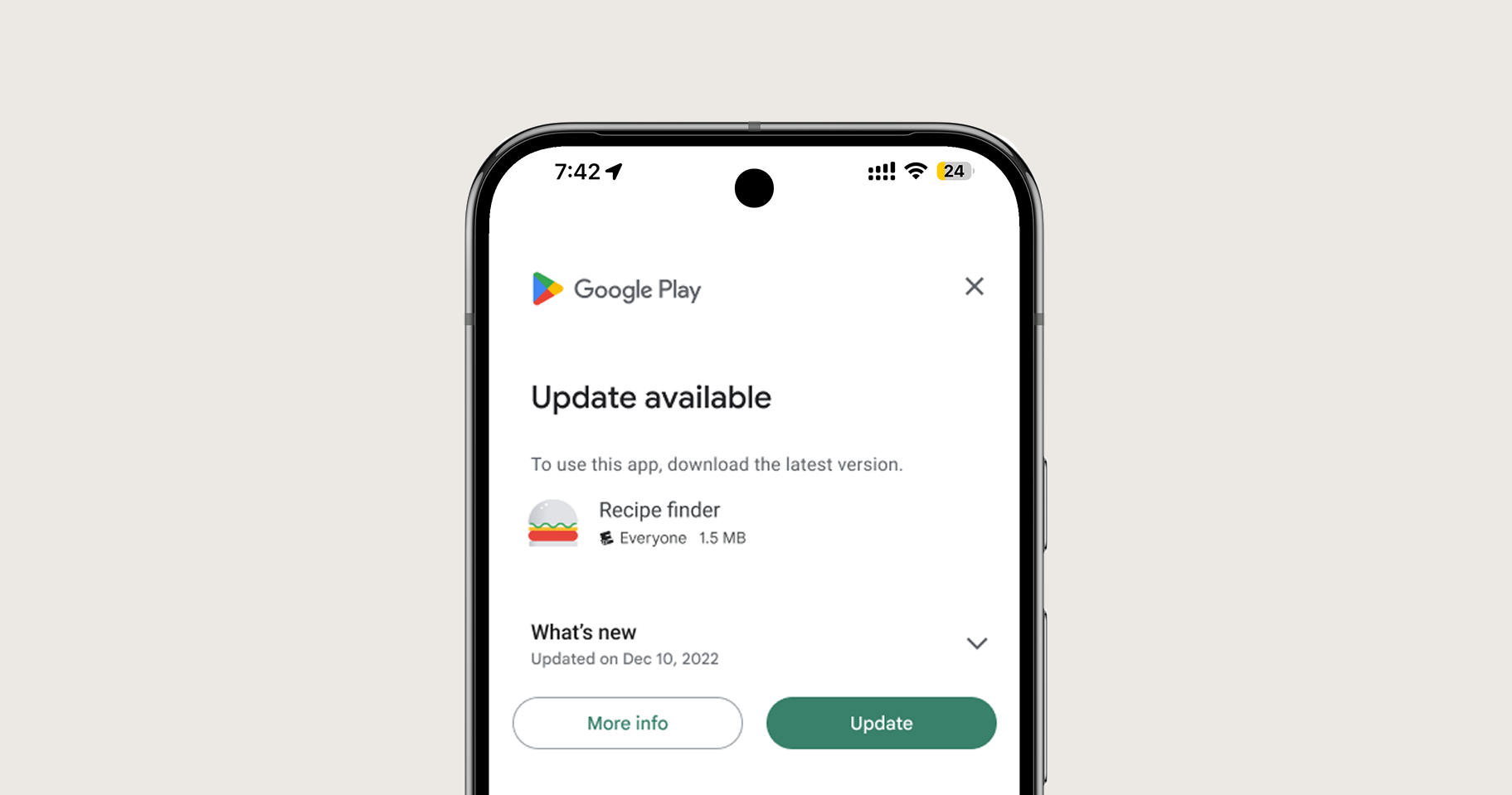
Ensure your users are always running the latest version of your mobile application. Nativine integrates the Google Play In-App Update API, prompting users to install updates directly without visiting the Play Store.
1. Overview & Update Modes
Nativine supports both Google Play In-App Update mechanisms:
- Flexible Update (Recommended): Downloads the updated APK in the background while the user continues using the app. Once downloaded, the app prompts the user to restart and apply the update.
- Immediate Update: Blocks app usage with a full-screen update screen for critical security patches or breaking API updates.
2. No-Code App Builder Setup Guide
⚡ Nativine Builder Feature: In-App Updates is integrated directly into the Nativine native app engine. Configure options natively in the App Builder under Add-ons & Plugins > Native UI.
Nativine App Builder Configuration
- Open the Nativine App Builder at /web-to-app-converter-pro.
- Click Add-ons & Plugins in the left builder menu and locate In-App Updates.
- Toggle In-App Updates to ON (or click Enable), then click Config.
- Configure your required settings, permissions descriptors, or target web parameters.
- Click Save Config and navigate to the Builds tab to compile your mobile application.
3. Frequently Asked Questions (Q&A)
When does the update check trigger?
The native shell checks for Play Store update availability automatically on app cold-start. If a newer Version Code is published on Google Play, the update prompt appears.
Does this update my website code or the native APK?
Web changes on your server update instantly without rebuilding. In-App Updates apply specifically when you compile a new APK/AAB package version in Nativine and upload it to Google Play.