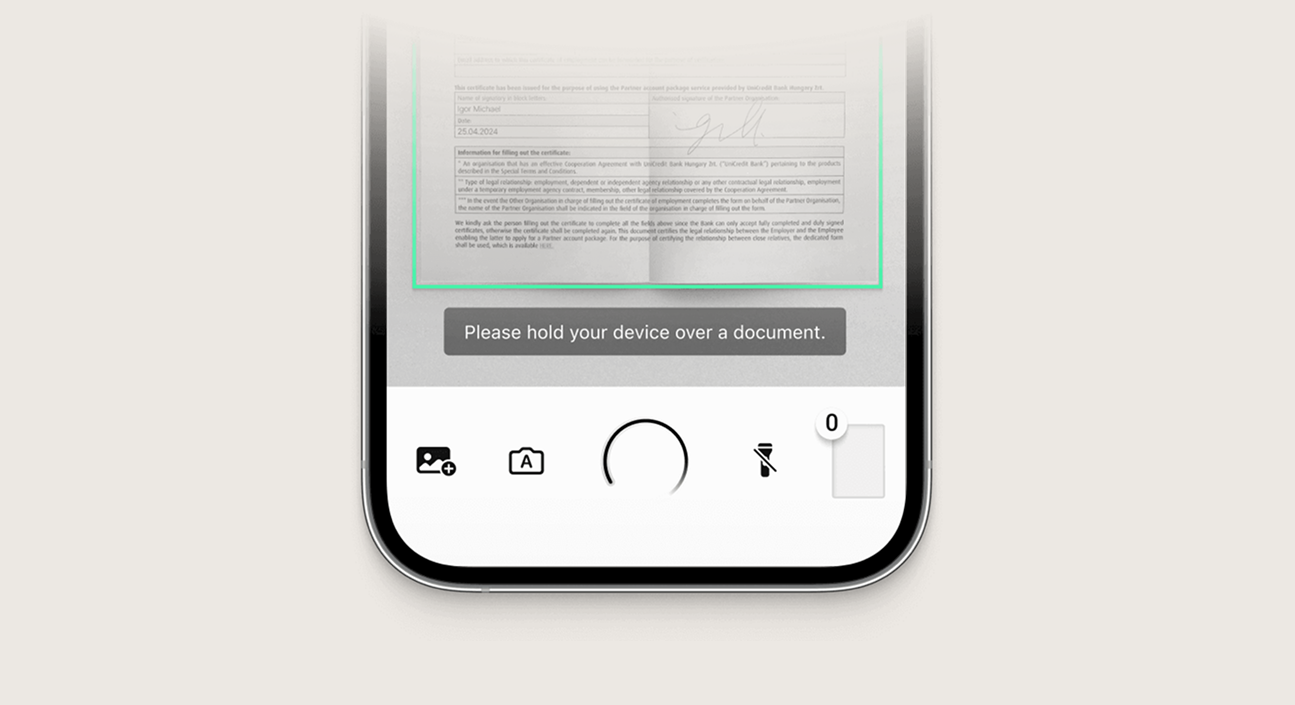
Integrate high-speed, hardware-accelerated Barcode and QR Code scanning into your mobile application. Nativine embeds native camera scanning libraries to decode QR codes, EAN-13 barcodes, and UPC codes.
1. Overview & Supported Formats
Nativine supports all standard 1D and 2D barcode matrix formats:
- 2D Codes: QR Code, Data Matrix, Aztec, PDF417.
- 1D Barcodes: EAN-13, EAN-8, UPC-A, UPC-E, Code 128, Code 39, Codabar.
2. No-Code App Builder Setup Guide
⚡ Nativine Builder Feature: Barcode & QR Code Scanner is integrated directly into the Nativine native app engine. Configure options natively in the App Builder under Add-ons & Plugins > Native UI.
Nativine App Builder Configuration
- Open the Nativine App Builder at /web-to-app-converter-pro.
- Click Add-ons & Plugins in the left builder menu and locate Barcode & QR Code Scanner.
- Toggle Barcode & QR Code Scanner to ON (or click Enable), then click Config.
- Configure your required settings, permissions descriptors, or target web parameters.
- Click Save Config and navigate to the Builds tab to compile your mobile application.
3. Frequently Asked Questions (Q&A)
Does camera scanning work in low-light conditions?
Yes. The native scanning interface includes a toggleable flashlight button to illuminate physical barcodes in dark environments.
Is camera permission required?
Yes. Accessing the physical camera requires granting camera permission. Nativine prompts the user automatically upon launching the scanner.