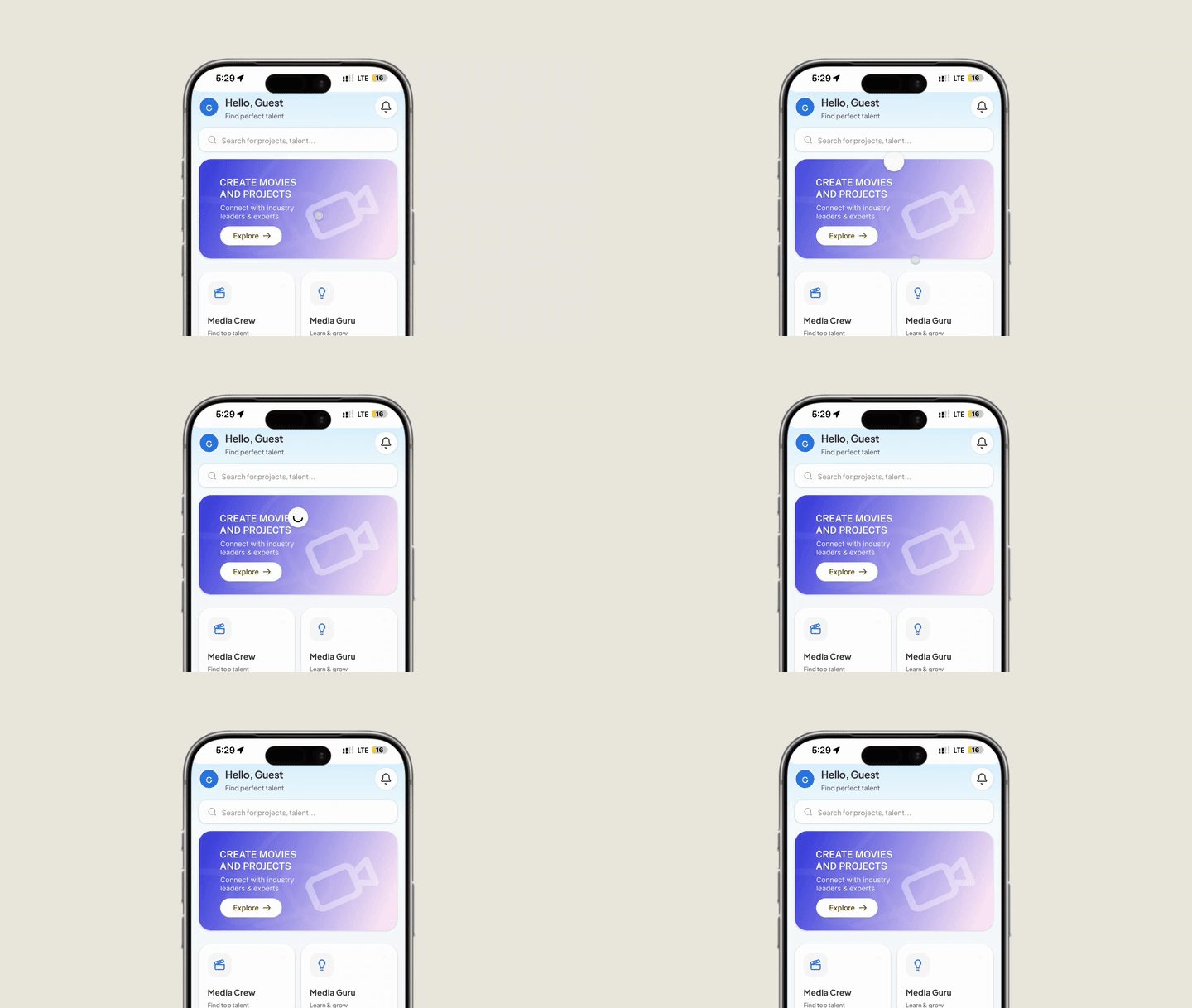
Enable intuitive swipe-down pull-to-refresh gestures in your mobile app. Nativine embeds native Android SwipeRefreshLayout and iOS pull-to-refresh controllers, allowing users to reload page content seamlessly.
1. Overview & Gesture Behavior
Pull-to-refresh is a universal gesture in mobile applications:
- Native Indicator: Displays a sleek, animated loading spinner at the top of the screen when swiping down.
- Web Reload: Triggers page content reload or fires custom web lifecycle events when pulled.
- Conditional Disabling: Can be disabled on pages with custom scroll components (e.g. interactive maps, carousels, signature pads).
2. No-Code App Builder Setup Guide
⚡ Nativine Builder Feature: Pull-To-Refresh Gesture is integrated directly into the Nativine native app engine. Configure options natively in the App Builder under Add-ons & Plugins > Native UI.
Nativine App Builder Configuration
- Open the Nativine App Builder at /web-to-app-converter-pro.
- Click Add-ons & Plugins in the left builder menu and locate Pull-To-Refresh Gesture.
- Toggle Pull-To-Refresh Gesture to ON (or click Enable), then click Config.
- Configure your required settings, permissions descriptors, or target web parameters.
- Click Save Config and navigate to the Builds tab to compile your mobile application.
3. Frequently Asked Questions (Q&A)
Can pull-to-refresh interfere with web carousels or maps?
In rare cases, swiping down on full-screen maps or image sliders can trigger pull-to-refresh accidentally. You can disable the gesture dynamically on map pages using the JS Bridge.
Does pull-to-refresh clear application cookies?
No. Pull-to-refresh reloads the web page context while preserving session cookies, local storage, and logged-in user states.