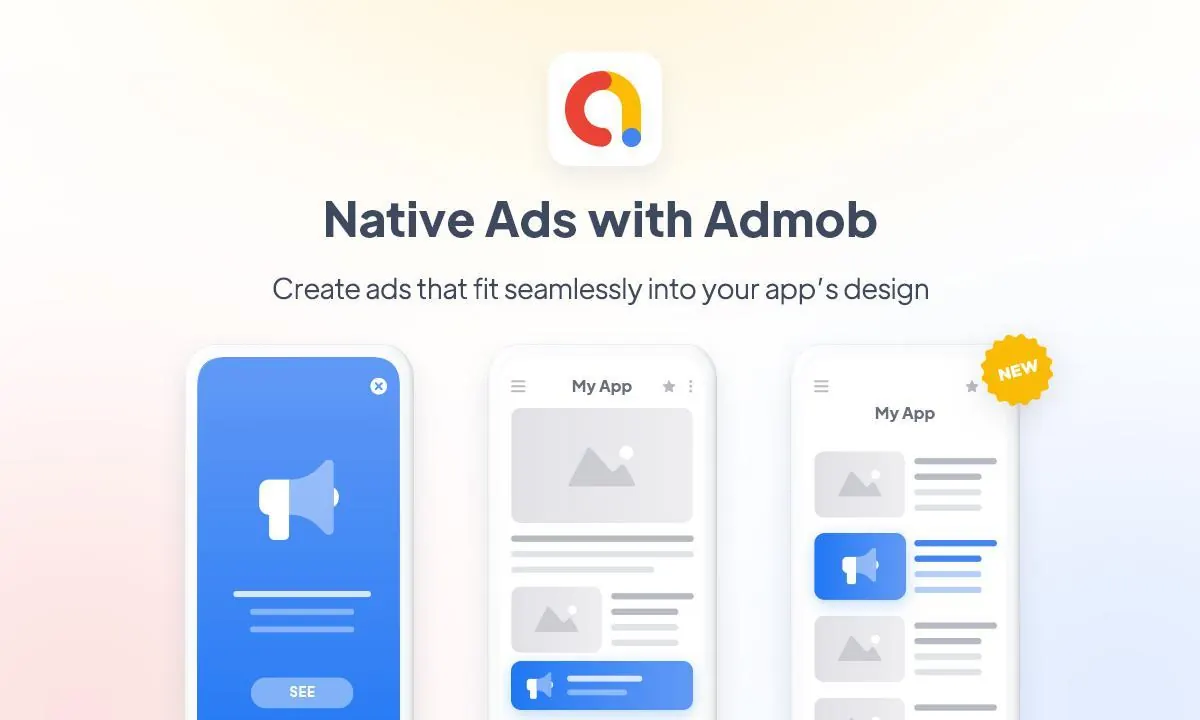
Monetize your mobile application by integrating Google AdMob. Nativine automatically injects native Google Mobile Ads SDK components to serve high-converting banner and interstitial ads inside your app.
1. Overview & Supported Ad Formats
Nativine supports the primary Google AdMob mobile ad formats:
- Banner Ads: Fixed banner ads positioned at the bottom or top of the native app screen.
- Interstitial Ads: Full-screen ads that display gracefully between page navigations.
2. No-Code App Builder Setup Guide
⚡ Nativine Builder Feature: Google AdMob Monetization is integrated directly into the Nativine native app engine. Configure options natively in the App Builder under Add-ons & Plugins > Native UI.
Nativine App Builder Configuration
- Open the Nativine App Builder at /web-to-app-converter-pro.
- Click Add-ons & Plugins in the left builder menu and locate Google AdMob Monetization.
- Toggle Google AdMob Monetization to ON (or click Enable), then click Config.
- Configure your required settings, permissions descriptors, or target web parameters.
- Click Save Config and navigate to the Builds tab to compile your mobile application.
3. Frequently Asked Questions (Q&A)
Can I test AdMob ads before going live?
Yes! During testing, use Google's official AdMob Test App ID and Test Unit IDs in the App Builder to ensure ads render properly without violating Google policy.
Do AdMob ads cover my website content?
No. Nativine dynamically resizes the native WebView viewport so banner ads sit outside your web content container without obscuring buttons or text.

 Google AdMob Monetization