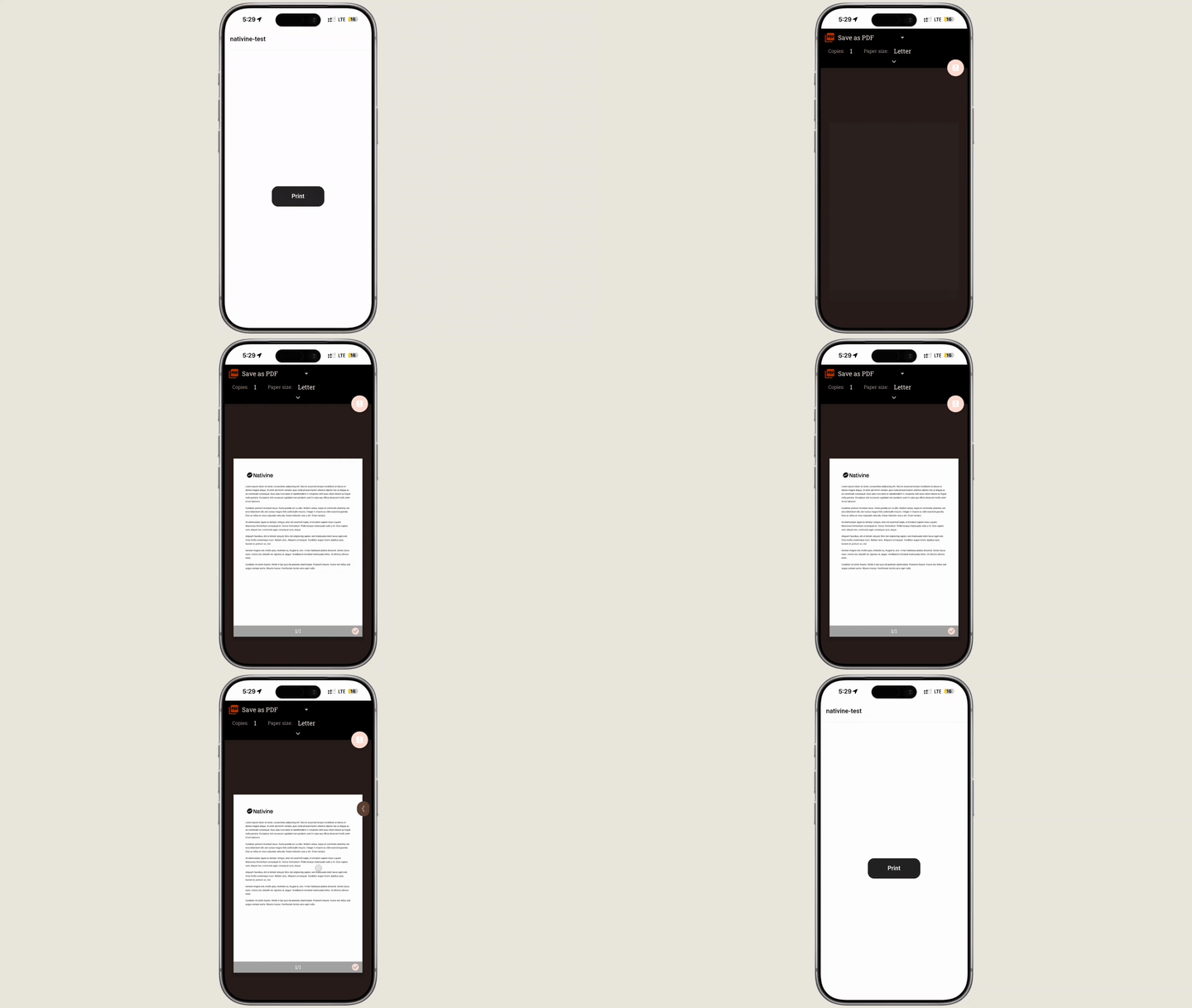
Enable seamless native document printing in your mobile app. Nativine embeds native Android PrintManager and iOS AirPrint support, allowing users to print web pages, invoices, tickets, and PDF documents to physical WiFi or Bluetooth printers.
1. Overview & Printing Capabilities
Standard WebViews often fail or suppress browser window.print() requests. Nativine intercepts print triggers and routes them directly to native OS print spoolers:
- AirPrint (iOS): Automatically discovers local Apple AirPrint-enabled wireless printers on the network.
- Android Print Service: Integrates with Android PrintManager, supporting Mopria, HP, Epson, Canon, and thermal receipt printers.
- PDF Export: Allows users to save printed documents directly as PDF files on their device storage.
2. No-Code App Builder Setup Guide
⚡ Nativine Builder Feature: Print File Native Support is integrated directly into the Nativine native app engine. Configure options natively in the App Builder under Add-ons & Plugins > Native UI.
Nativine App Builder Configuration
- Open the Nativine App Builder at /web-to-app-converter-pro.
- Click Add-ons & Plugins in the left builder menu and locate Print File Native Support.
- Toggle Print File Native Support to ON (or click Enable), then click Config.
- Configure your required settings, permissions descriptors, or target web parameters.
- Click Save Config and navigate to the Builds tab to compile your mobile application.
3. Frequently Asked Questions (Q&A)
Does standard window.print() work automatically?
Yes. When Print File Native Support is enabled in the builder, Nativine automatically hooks browser window.print() calls and forwards them to the native OS print spooler.
Can thermal receipt printers be targeted?
Yes. Android devices paired with Bluetooth or USB thermal receipt printers via print service plugins will display thermal printers inside the native print dialog.
💡 Programmatic Control via JS Bridge:
To trigger native print dialogs explicitly from custom buttons or JS events, see the
Native Printing API Reference.