 OneSignal Push Notifications
Complete guide to enabling and configuring OneSignal Push Notifications in Nativine without writing any native mobile code.
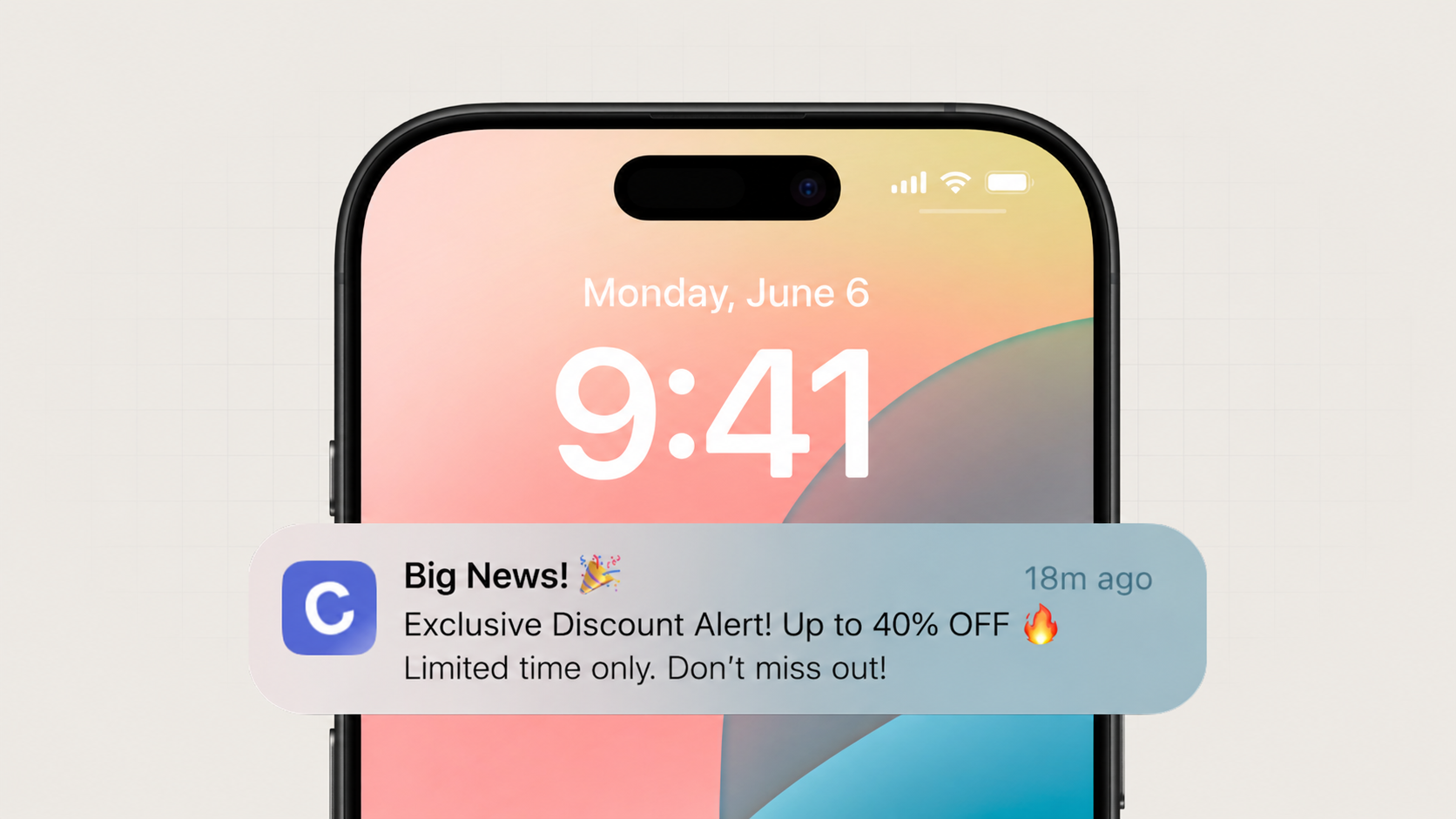
Push notifications are essential for re-engaging app users and boosting retention. Nativine integrates the official OneSignal Native Mobile SDK for Android (FCM) and iOS (APNs), allowing you to enable native push notifications with a single click in the App Builder.
Unlike web push notifications (which require the browser process to stay open and fail on iOS Safari), Nativine embeds native push handlers directly into your compiled mobile binary:
Once your OneSignal App ID is saved in the App Builder, you don't need to log into external dashboards to send messages. Nativine provides a built-in Push Notification Panel directly inside your dashboard:
No. Nativine automatically embeds the native OneSignal SDK and registers device tokens in your compiled APK/AAB and IPA binaries upon build.
iOS push notifications require uploading your Apple APNs Key (.p8) or Push Certificate inside your OneSignal App Settings under the Apple iOS platform tab.