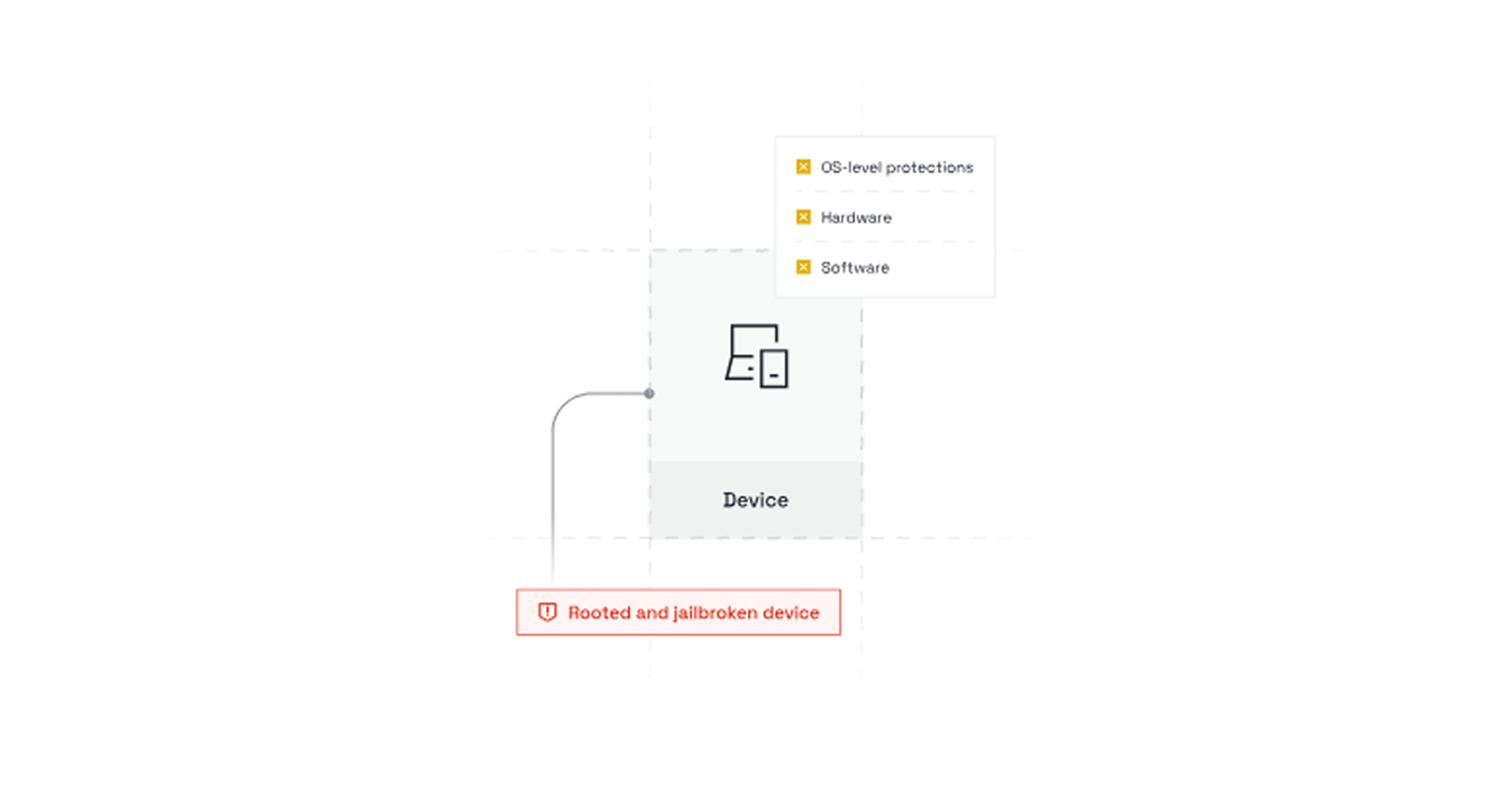
Protect your mobile application from security threats, reverse engineering, and tampered devices. Nativine Jailbreak & Root Detection scans for su binaries, Magisk root, iOS jailbreak files, active debuggers, and Android emulators.
1. Overview & Security Enforcement Actions
Financial, healthcare, and enterprise apps require strict runtime security compliance. When Nativine detects a compromised execution environment, it enforces your configured Security Action:
- Crash / Exit Mode (Recommended): Immediately terminates app execution to prevent memory inspection or session hijacking on rooted devices.
- Warning Alert Mode: Displays a security warning dialog explaining that the device is rooted or jailbroken, while allowing the user to proceed.
- Block Navigation Mode: Redirects the WebView to a secure offline error page explaining why access is denied.
2. No-Code App Builder Setup Guide
⚡ Nativine Builder Feature: Jailbreak & Root Detection is integrated directly into the Nativine native app engine. Configure options natively in the App Builder under Add-ons & Plugins > Native UI.
Nativine App Builder Configuration
- Open the Nativine App Builder at /web-to-app-converter-pro.
- Click Add-ons & Plugins in the left builder menu and locate Jailbreak & Root Detection.
- Toggle Jailbreak & Root Detection to ON (or click Enable), then click Config.
- Configure your required settings, permissions descriptors, or target web parameters.
- Click Save Config and navigate to the Builds tab to compile your mobile application.
3. Frequently Asked Questions (Q&A)
Does this check detect Magisk and kernel-level root hide?
Yes. Nativine combines native su binary checks, read-only system file permission verification, build-tag analysis, and Play Integrity APIs for multi-layered root detection.
Will this block Android emulators during development?
If Security Action is set to Crash, standard Android Studio emulators will be blocked. Temporarily set enforcement to Warning Alert while testing on local emulators.
💡 Programmatic Control via JS Bridge:
To run security and root checks dynamically inside JavaScript and inspect specific security failure reasons, see the
Security Checks API Reference.