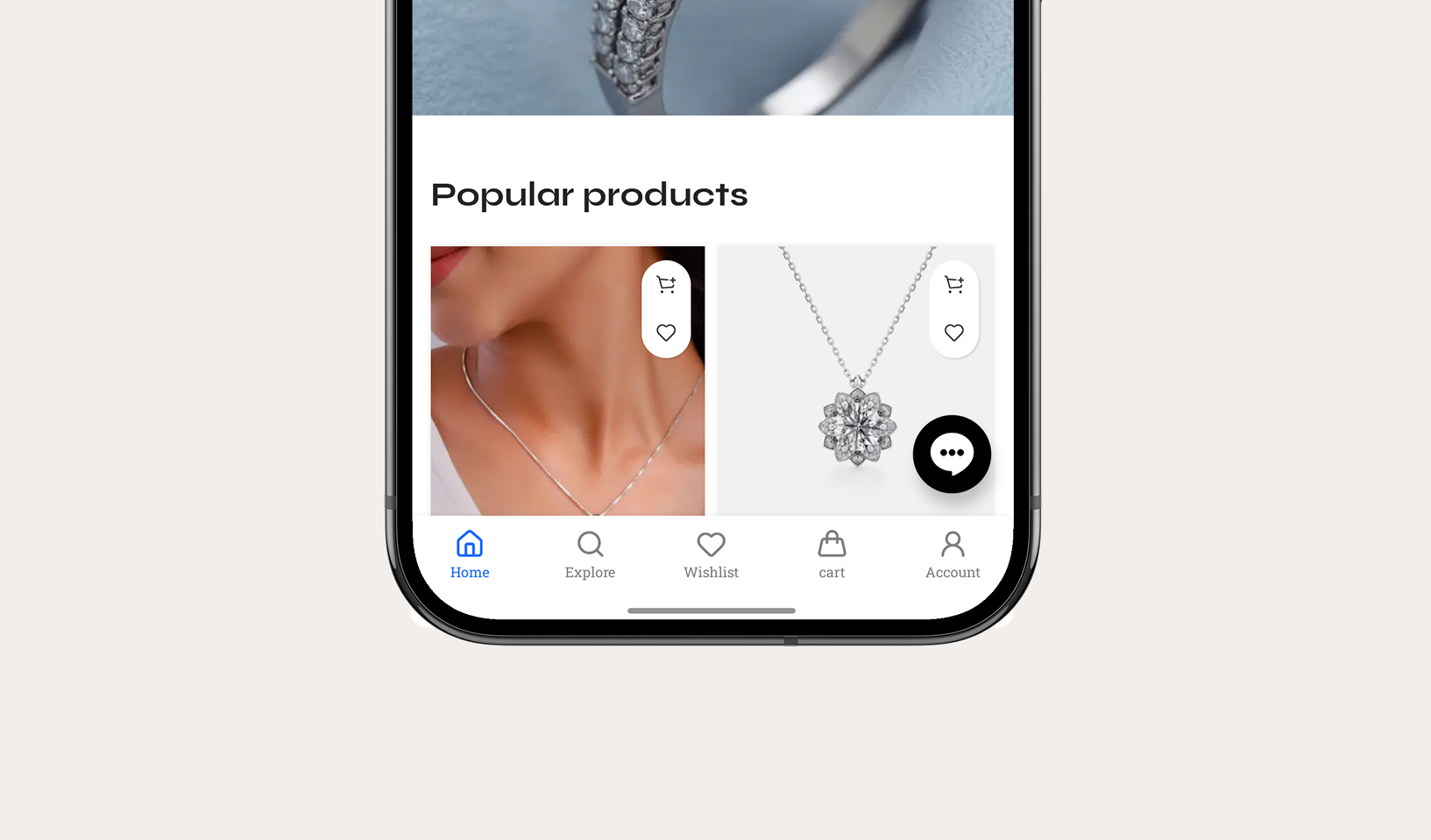
Integrate a native bottom navigation bar for effortless mobile navigation. Nativine compiles native Android BottomNavigationView and iOS UITabBar components with customizable tab icons, active colors, badge counters, and deep link targets.
1. Overview & Navigation Architecture
Bottom navigation is the standard layout pattern for modern mobile applications:
- Tab Items (2 to 5 Tabs): Configure up to 5 main navigation tabs (e.g. Home, Shop, Cart, Profile, Settings).
- Icons & Badges: Choose from built-in Lucide icons or upload custom tab graphics. Attach dynamic badge counters (e.g. cart item count or unread notifications).
- URL & Deep Link Matching: When users tap a tab, Nativine navigates the WebView to the target web URL. The active tab highlight automatically updates as users browse through your site.
- Active/Inactive Styling: Set custom active tab accent color, inactive tab color, and background fill color.
2. No-Code App Builder Setup Guide
⚡ Nativine Builder Feature: Custom Bottom Navigation Bar is integrated directly into the Nativine native app engine. Configure options natively in the App Builder under Add-ons & Plugins > Native UI.
Nativine App Builder Configuration
- Open the Nativine App Builder at /web-to-app-converter-pro.
- Click Add-ons & Plugins in the left builder menu and locate Custom Bottom Navigation Bar.
- Toggle Custom Bottom Navigation Bar to ON (or click Enable), then click Config.
- Configure your required settings, permissions descriptors, or target web parameters.
- Click Save Config and navigate to the Builds tab to compile your mobile application.
3. Frequently Asked Questions (Q&A)
Does the active tab update automatically when navigating pages?
Yes. Nativine matches the current WebView URL against your configured tab target URLs and highlights the corresponding active tab automatically.
Can I hide the bottom navigation bar on checkout pages?
Yes. You can specify URL patterns where the bottom bar should be hidden (e.g. /checkout, /cart) in the builder settings.