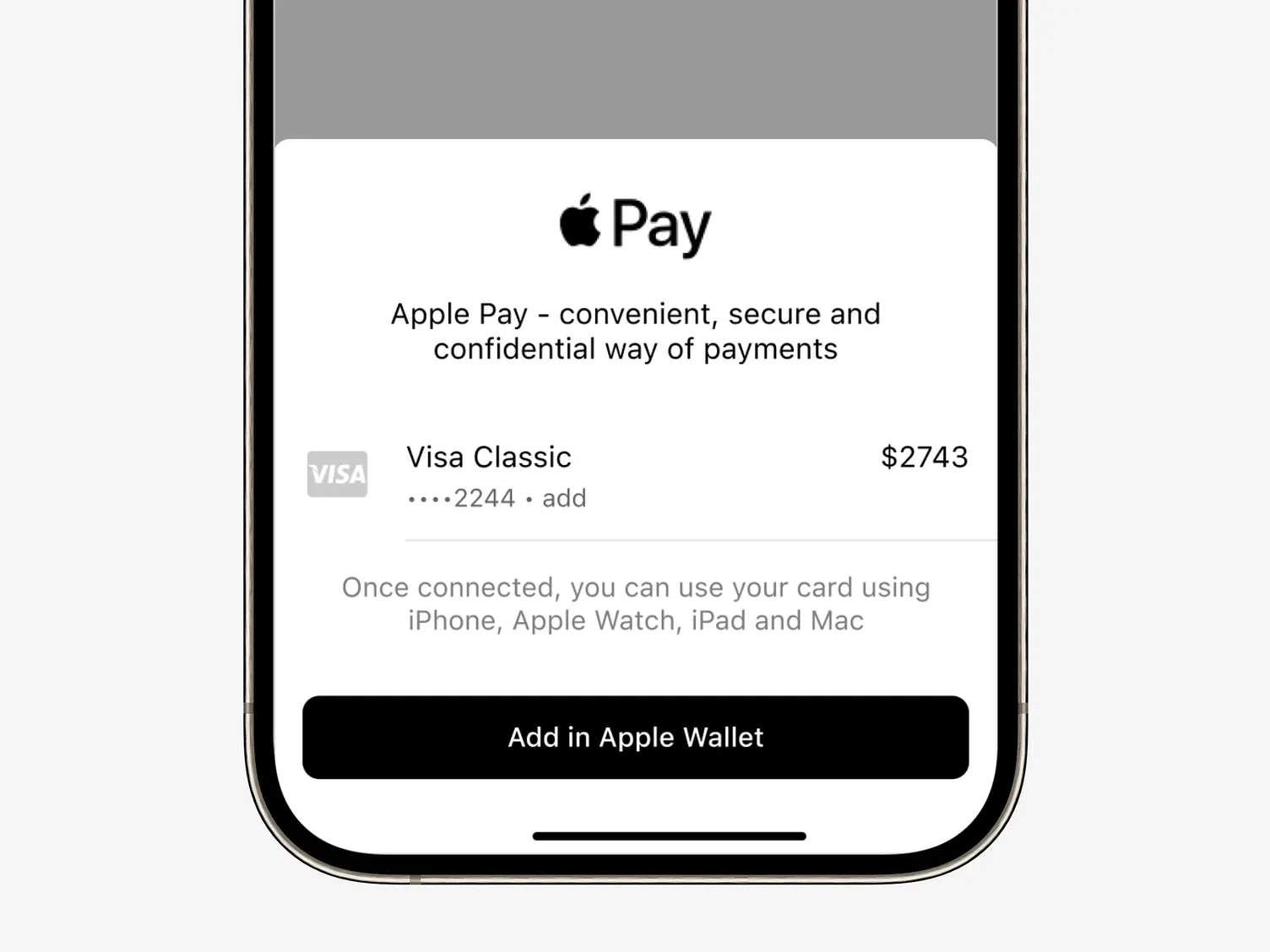
Query products and launch Google Play / App Store billing purchase flows.
Query in-app products and launch native Google Play Billing / App Store StoreKit purchase flows directly from your web application.
Retrieve pricing, title, and description for specific product IDs configured in your store console:
import nativine from 'nativine';

const products = await nativine.iap.getProducts(['monthly_pro_sub']);Opens the native billing sheet for the user to confirm and complete the purchase:
import nativine from 'nativine';

const purchase = await nativine.iap.purchase('monthly_pro_sub');orderId — The transaction order ID from the store.purchaseToken — Token to verify the purchase on your server.productId — The purchased product identifier.Send the purchaseToken to your backend server to verify authenticity with store APIs before unlocking premium access:
const { google } = require('googleapis');

const auth = new google.auth.GoogleAuth({
  keyFile: './service-account.json',
  scopes: ['https://www.googleapis.com/auth/androidpublisher']
});

async function verifyGooglePlayPurchase(purchaseToken, productId, isSub = false) {
  const androidpublisher = google.androidpublisher({ version: 'v3', auth });
  const packageName = 'com.yourcompany.yourapp';

  try {
    if (isSub) {
      const res = await androidpublisher.purchases.subscriptions.get({
        packageName,
        subscriptionId: productId,
        token: purchaseToken
      });
      return res.data.paymentState === 1 || res.data.paymentState === 2;
    } else {
      const res = await androidpublisher.purchases.products.get({
        packageName,
        productId: productId,
        token: purchaseToken
      });
      return res.data.purchaseState === 0;
    }
  } catch (error) {
    console.error("Receipt validation failed:", error);
    return false;
  }
}