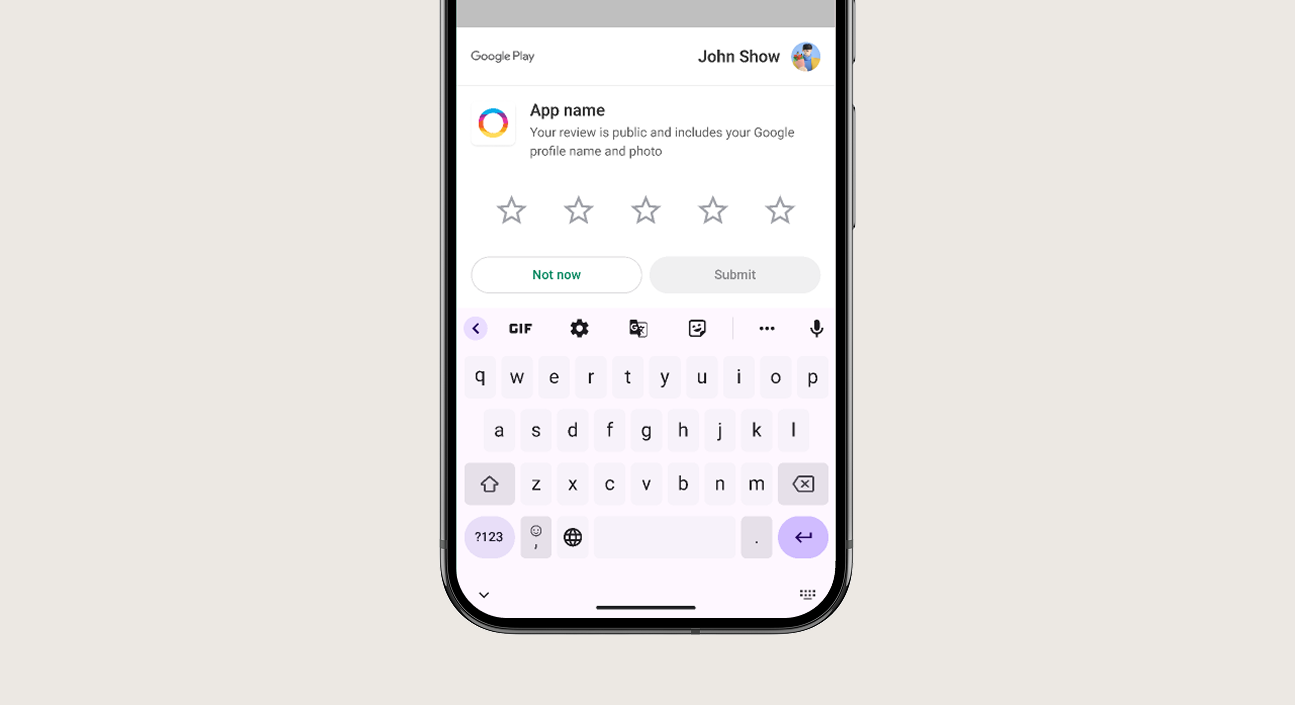
Boost your store ratings by collecting user reviews directly inside your mobile application. Nativine integrates the native Google Play In-App Review API and Apple SKStoreReviewController to show rating sheets without sending users away to the store.
1. Overview & Review Dialog Flow
In-app rating prompts yield significantly higher completion rates than manual store redirects:
- Google Play In-App Review API: Displays a floating native bottom sheet allowing users to leave a star rating and written review without leaving your app.
- Apple SKStoreReviewController: Displays a native 5-star rating popup directly over your web content.
- Smart Throttling: Google Play and Apple impose strict OS quotas on review prompts to prevent user spam. The OS handles quota limits automatically.
2. No-Code App Builder Setup Guide
⚡ Nativine Builder Feature: In-App Ratings & Reviews is integrated directly into the Nativine native app engine. Configure options natively in the App Builder under Add-ons & Plugins > Native UI.
Nativine App Builder Configuration
- Open the Nativine App Builder at /web-to-app-converter-pro.
- Click Add-ons & Plugins in the left builder menu and locate In-App Ratings & Reviews.
- Toggle In-App Ratings & Reviews to ON (or click Enable), then click Config.
- Configure your required settings, permissions descriptors, or target web parameters.
- Click Save Config and navigate to the Builds tab to compile your mobile application.
3. Frequently Asked Questions (Q&A)
Why doesn't the review prompt show up every time during testing?
Both Google Play and Apple enforce strict rate-limiting quotas on review sheets. In production, the OS decides whether to render the sheet based on user activity quotas.
Can I trigger the review prompt after a user completes a purchase?
Yes. You can invoke the review prompt programmatically after key milestones (like a completed order or level clear) using the JS Bridge.
💡 Programmatic Control via JS Bridge:
To trigger native store review sheets programmatically on specific user actions, see the
In-App Reviews API Reference.