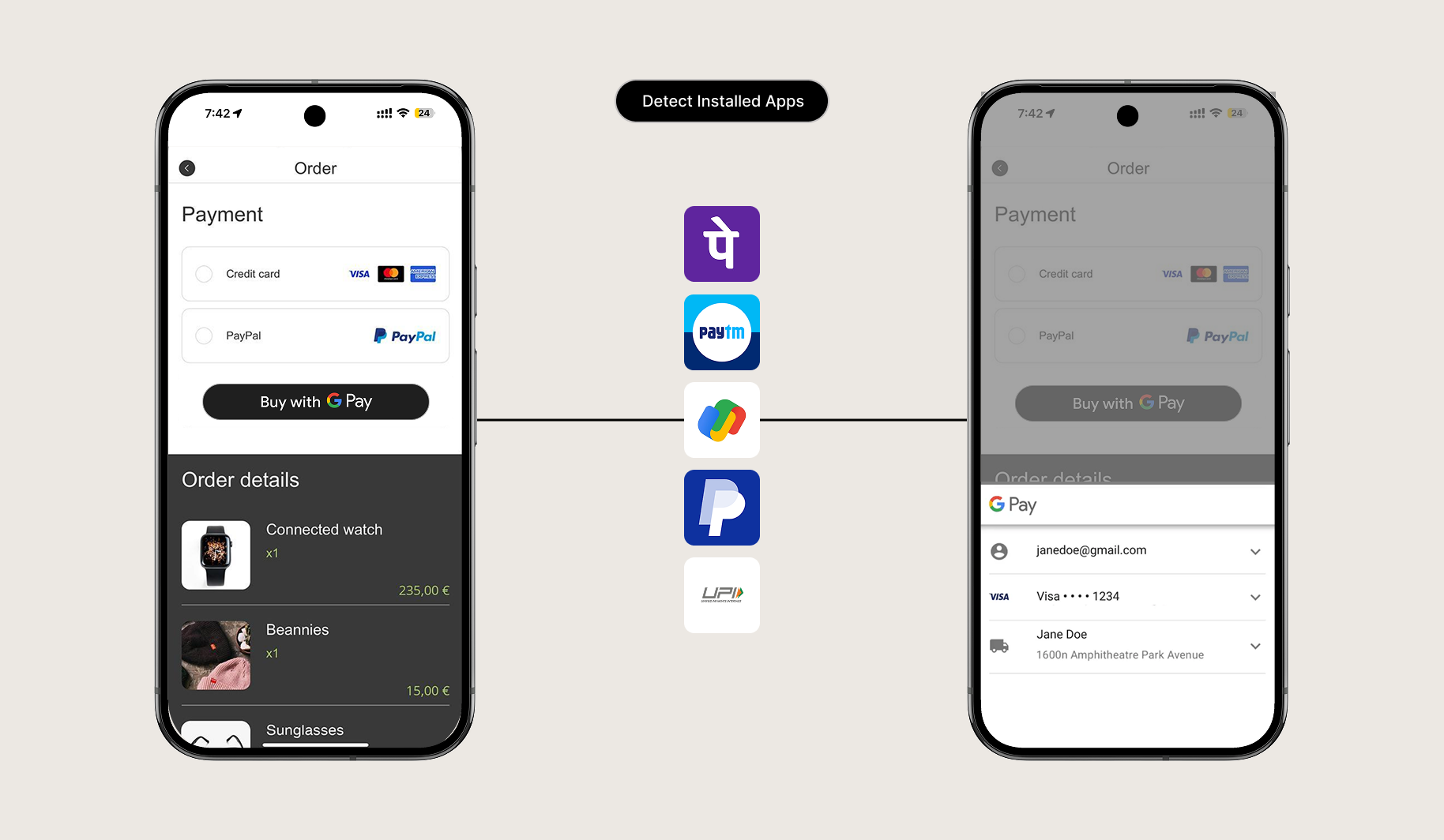
Control how links behave inside your mobile app. Configure which URLs open seamlessly inside the native WebView and which external links (such as social networks or payment portals) launch in external browsers.
1. Link Routing Mechanics
Nativine provides precise control over link execution:
- Internal App Links: Links matching your registered website domain stay inside the high-speed native WebView container.
- External Links: Third-party URLs (e.g., Twitter, YouTube, external payment gateways) can be set to launch in an in-app Custom Tab or the device's default browser (Chrome/Safari).
- Universal Links / Android App Links: Enables clicking an
https://yourdomain.com/product/123 link on a phone to open your mobile app directly.
2. No-Code App Builder Setup Guide
⚡ Nativine Builder Feature: Link Handling & Deep Links is integrated directly into the Nativine native app engine. Configure options natively in the App Builder under Add-ons & Plugins > Native UI.
Nativine App Builder Configuration
- Open the Nativine App Builder at /web-to-app-converter-pro.
- Click Add-ons & Plugins in the left builder menu and locate Link Handling & Deep Links.
- Toggle Link Handling & Deep Links to ON (or click Enable), then click Config.
- Configure your required settings, permissions descriptors, or target web parameters.
- Click Save Config and navigate to the Builds tab to compile your mobile application.
3. Frequently Asked Questions (Q&A)
Why is my payment gateway redirect breaking?
If your payment gateway redirects to an external bank domain (e.g., bank.com), ensure external links are set to In-App Browser (Custom Tabs) so the user can complete authentication and return smoothly to your site.
Can I deep-link users directly to specific pages inside the app?
Yes. Any link format configured under Universal Links (e.g., https://yourdomain.com/checkout) will automatically open that exact URL route inside the native mobile container.