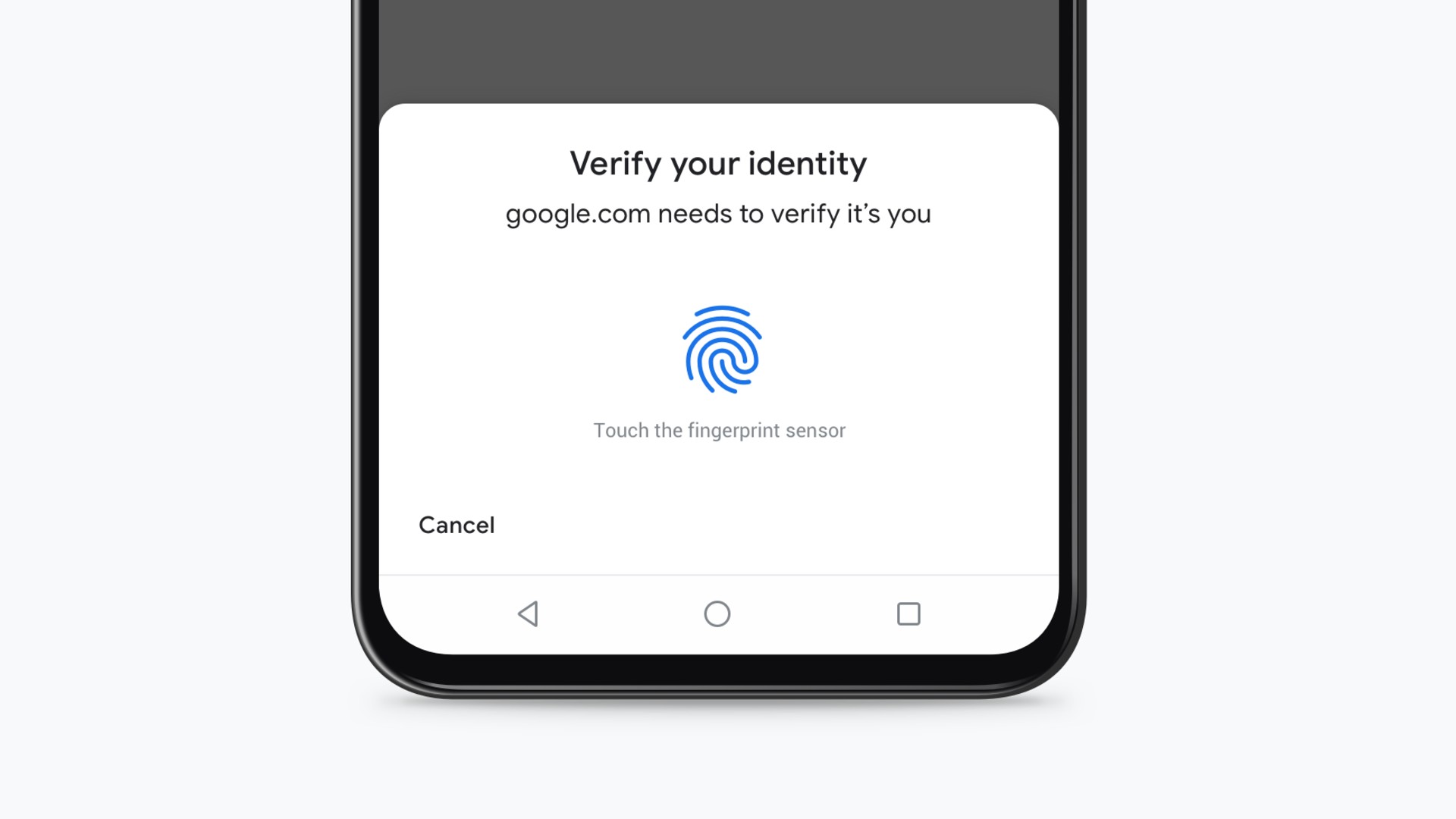
Add enterprise-grade biometric security to your mobile application. Nativine integrates the native Android BiometricPrompt API and iOS LocalAuthentication framework to unlock your app with Fingerprint, FaceID, or TouchID.
1. How Biometric Authentication Works
Biometric authentication is handled by the physical device hardware:
- Android (BiometricPrompt): Prompts for Fingerprint, Face Unlock, or Device Lock PIN/Pattern.
- iOS (FaceID / TouchID): Invokes
LAContext to prompt for FaceID or TouchID before granting access.
2. No-Code App Builder Setup Guide
⚡ Nativine Builder Feature: Biometric Authentication (Fingerprint & FaceID) is integrated directly into the Nativine native app engine. Configure options natively in the App Builder under Add-ons & Plugins > Native UI.
Nativine App Builder Configuration
- Open the Nativine App Builder at /web-to-app-converter-pro.
- Click Add-ons & Plugins in the left builder menu and locate Biometric Authentication (Fingerprint & FaceID).
- Toggle Biometric Authentication (Fingerprint & FaceID) to ON (or click Enable), then click Config.
- Configure your required settings, permissions descriptors, or target web parameters.
- Click Save Config and navigate to the Builds tab to compile your mobile application.
3. Frequently Asked Questions (Q&A)
What happens if a device lacks biometric hardware?
If a phone lacks fingerprint sensors or FaceID, the OS automatically falls back to the device's screen lock PIN, Pattern, or Password.
Is biometric data sent to Nativine servers?
No. Biometric verification is processed 100% locally on the user's phone hardware via Android and iOS secure enclaves.