


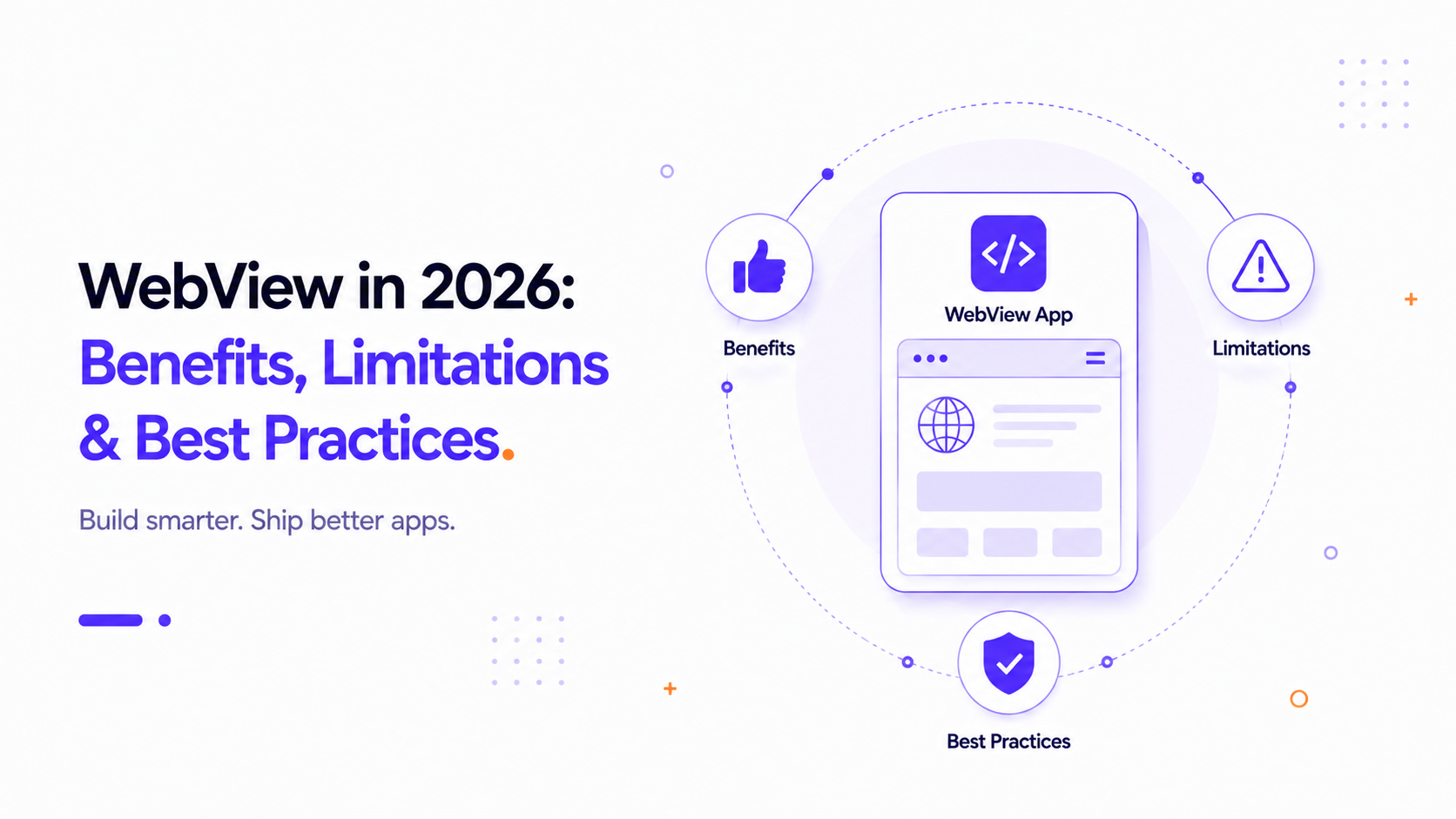
The WebView Landscape in 2026
As we navigate mobile app development in 2026, web engine rendering has achieved unprecedented performance levels. On modern mobile hardware, web engines render layouts at a smooth 60 to 120 frames per second. However, developers must still understand the limits of this architecture and adopt best practices to ensure a premium user experience.
1. Key Benefits of WebViews in 2026
- Service Worker Integration: Offline support is now fully integrated. Service Workers cache core assets locally, enabling apps to load instantly and work gracefully without network connections.
- WebAssembly (Wasm) Support: Complex client-side operations (like image editing or parsing large datasets) can be compiled to Wasm, closing the execution speed gap with native code.
- Hardware-Accelerated Rendering: Modern mobile WebViews utilize GPU acceleration, making CSS transitions and animations look indistinguishable from native ones.
2. Core Performance Best Practices
To prevent your WebView wrapper from feeling sluggish, adopt these optimization techniques:
Optimize Touch Interactions
Browsers historically introduced a 300ms delay to double-tap gestures. Although modern mobile viewports disable this when width=device-width is declared, you should still style interactive elements with CSS touch-action: manipulation or use native touch indicators to guarantee instantaneous feedback.
Manage Scroll Performance
Avoid heavy JavaScript calculations during scroll events. Use CSS properties like content-visibility: auto to prevent offscreen layout calculations and use GPU-accelerated properties (like translate3d) for scroll-driven animations.
Implement Graceful Loading Indicators
Users hate blank screens. Your native wrapper should present a smooth progress bar or a native loading spinner while the primary web assets are loading. Once the DOM is ready, fade the WebView in smoothly to avoid layouts shifting in front of the user.
3. Security Standards in 2026
Always enforce HTTPS connection and configure a strict Content Security Policy (CSP) header on your web server. Disable file access within the WebView settings unless explicitly required (e.g. for photo uploads) to protect the device's local file system from external script exploits.