
Sign up
for developer
updates
No marketing emails. Unsubscribe any time.

Connect Nativine directly to your local AI coding assistant. Trigger native remote builds, manage configurations, and package signed APKs or IPAs right within your chat session.




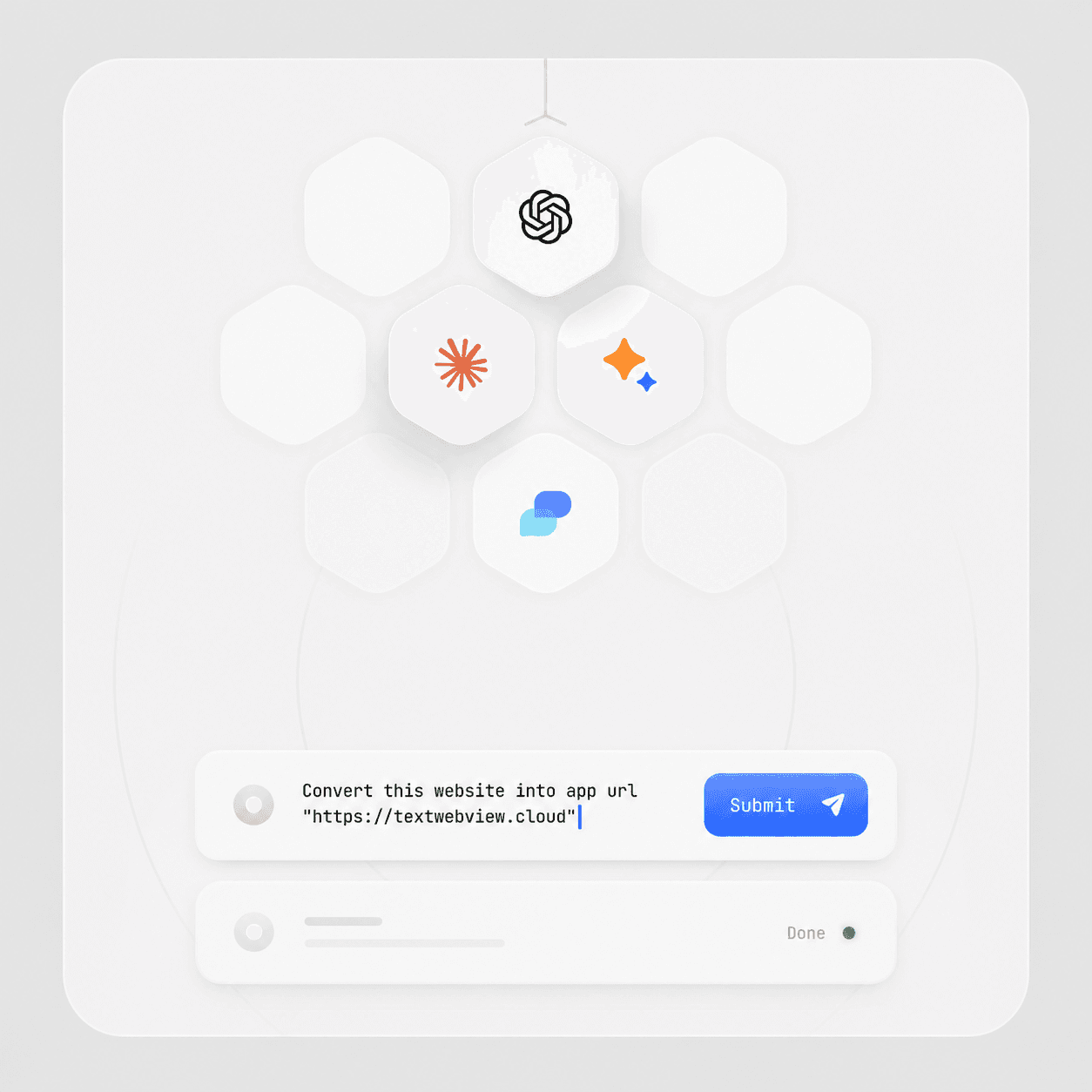
Nativine is the first website-to-app converter platform that ships with a native Model Context Protocol (MCP) server, bridging the gap between web assets and native mobile builds.
No complex visual configurations or manual package setups. Simply connect your IDE (Cursor, Claude Desktop, Codex, Antigravity, or VS Code) using MCP and command your AI assistant in natural language.
Specially built for developers and enterprises wishing to dynamically inject native SDK bridges, change package credentials, and bundle asset icons through automated workflows.
Get connected and build your first application in three simple steps.
Navigate to your account Settings and create a secure developer API Token (prefixed with ntvn_ak_).
Paste our lightweight stdio config snippet directly into your local assistant configuration file.
Instruct your assistant in natural chat to compile, modify, sign, or download your mobile app binaries.
Select your IDE context below to copy the setup script directly.
Add the configuration block below to your settings file at ~/.gemini/config/mcp_config.json:
{
  "mcpServers": {
    "nativine": {
      "command": "node",
      "args": [
        "/path/to/nativine-mcp/index.js"
      ],
      "env": {
        "NATIVINE_API_KEY": "ntvn_ak_your_secret_key_here"
      }
    }
  }
}Standard endpoints Nativine exposes to provide full context to your AI agent.
Retrieves all active configuration drafts on your account. Enables the assistant to dynamically list and pick existing app builds.
Fetches the detailed config payload, keystore status, app assets, and target URL for a specific draft ID.
Creates a fresh draft or updates an existing configuration. Supports brand colors, status bars, and push notification configurations.
Uploads local launcher icons or splash screen graphics directly from your workspace directory to Nativine remote builder.
Enqueues compilation in the remote build pipeline to package signed binaries (APK, AAB, or Simulator ZIP).
Retrieves the real-time status of your compiled package (queued → compilation → complete) with direct output links.
Downloads compiled APK, AAB, or IPA files directly to your local project directory workspace.