


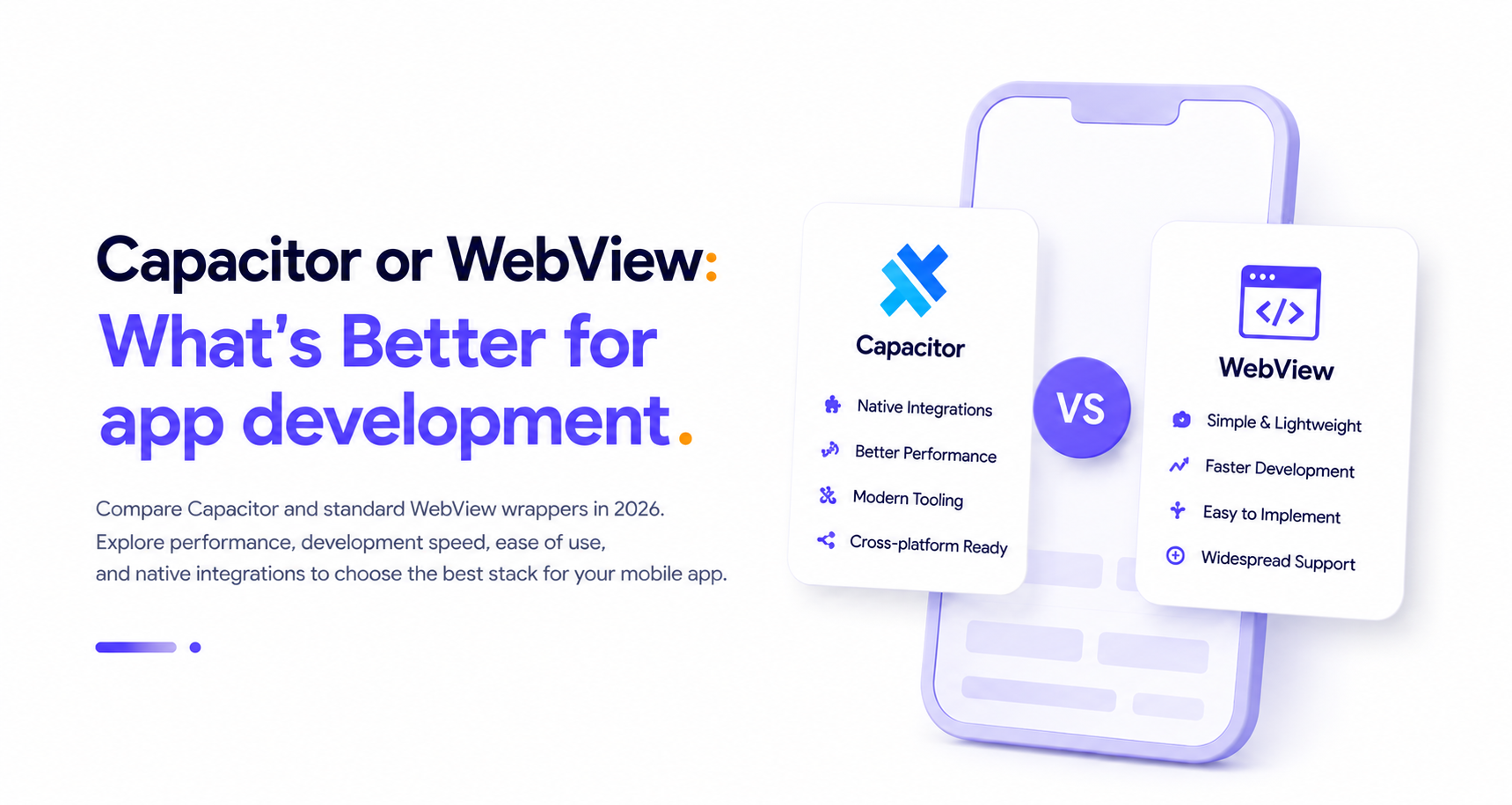
Choosing the Hybrid Path in 2026
As web engines and mobile chipsets have evolved, hybrid mobile app development has become the standard for most modern businesses. When deciding how to turn a web codebase into a mobile app, two dominant options emerge: Capacitor and an optimized WebView Wrapper. In 2026, both technologies are highly mature, but they serve completely different development workflows and architectural patterns.
1. The Core Architecture Comparison
To make an informed decision, it is essential to understand the structural difference between these two approaches:
- WebView Wrapper: A lightweight native shell (written in Kotlin/Swift) that directly hosts a remote URL or locally cached web assets. It relies on a custom JavaScript-to-Native bridge to invoke system features (like Biometrics or Push notifications). The business logic, routing, and rendering happen on your web server.
- Capacitor (by Ionic): A cross-platform runtime that hosts a Single Page Application (SPA) locally inside a web view. It compiles native binaries and uses a plugin-based architecture where each native capability is accessed via NPM packages and TypeScript interfaces. The web assets must be bundled into the compiled application.
2. Development Cost and Speed
For speed and resource conservation, the WebView wrapper wins by a wide margin. Since a WebView wrapper loads a remote URL, you do not need to rewrite your routing, handle assets packaging, or configure complex build systems. Any updates you push to your web application are immediately visible to your mobile users without requiring App Store approval (Over-the-Air updates by default).
With Capacitor, because assets are bundled locally, every change in your web application requires rebuilding the assets, syncing them using the Capacitor CLI, and compiling a new binary (or using specialized OTA sync services which can be costly). It requires managing mobile dependencies directly in your development repository.
3. Native Access & Bridge Complexity
Capacitor has a rich ecosystem of official and community plugins. If your app requires deep native background processing, complex bluetooth connection, or native AR filters, Capacitor's structured plugin interface is highly robust.
WebView wrappers, however, use a streamlined bridge. Using simple interfaces like Android's @JavascriptInterface or iOS's userContentController, you can bridge any native functionality directly. For example, triggering a print job or requesting fingerprint auth takes only a few lines of Kotlin/Swift and a simple JavaScript trigger. For 95% of standard applications (SaaS, e-commerce, directories, dashboards), this bridge is more than sufficient and eliminates complex package bloat.
4. Performance & Initial Load
In terms of rendering performance, both rely on the underlying system engines: Android WebView (Chromium) and iOS WKWebView (WebKit). Therefore, the rendering speed of your HTML, CSS, and JS is identical in both. However, Capacitor apps might load slightly faster on the very first boot because their core HTML/CSS/JS files are hosted locally on the device rather than fetched over the network. With modern service workers and HTTP caching, a WebView wrapper can match this initial load speed easily.
Which One Should You Choose?
Use Capacitor if you are building an offline-first mobile app from scratch, have a pure client-side SPA (like a React or Vue bundle), and want to manage native dependencies within your frontend package.
Use a WebView Wrapper (like Nativine) if you have an existing responsive website, SaaS portal, or e-commerce platform, and want to launch on the App Store in minutes with native push notifications, biometrics, and zero maintenance overhead.