


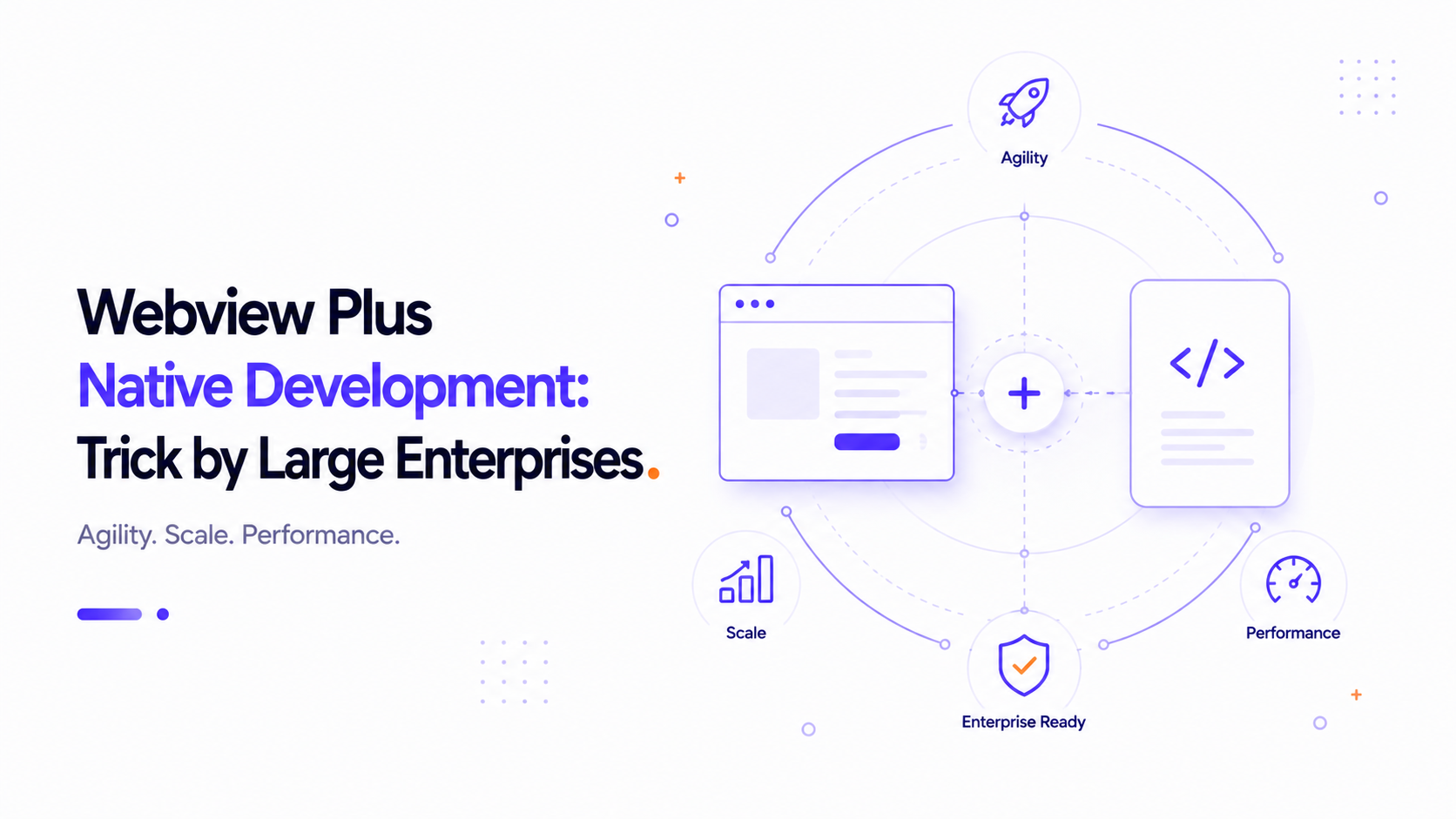
The Hybrid Secrets of Tech Giants
A common misconception in mobile app development is that large enterprises build everything from scratch using purely native code. The reality is quite different. Tech giants like Amazon, Slack, Netflix, and Basecamp rely heavily on WebViews within their applications. Why do companies with multi-billion dollar budgets choose to deploy WebViews alongside native code? The answer lies in agility, deployment velocity, and resource optimization.
1. Massive Cost Savings on Duplicate Development
Writing and maintaining codebases for iOS, Android, and Web means that every feature must be implemented and tested three times by three separate developer teams. This creates alignment issues and increases development costs. By wrapping dynamic core pages (such as dashboards, settings, or complex forms) in high-performance WebViews, enterprises can share business logic across Web and Mobile, saving millions in development overhead.
2. Over-the-Air (OTA) Updates & Agility
If a critical bug occurs in a native app, releasing a fix requires compiling a new binary, uploading it to the App Store, and waiting for review. This can take days, during which users continue to experience the bug. In a WebView application, the core content is hosted remotely. A developer can push a hotfix to the web server, and it is instantly live for all mobile users, bypassing store review entirely. This speed of deployment is vital for enterprise agility.
3. Fast A/B Testing & Content Experimentation
Marketing teams and product managers in enterprises continuously run A/B tests to optimize conversion rates. Building experiments natively requires complex client-side feature flagging and code logic. Web-based architectures allow teams to deploy backend-driven landing pages, checkout adjustments, and banner promotions instantly, gathering user data in real-time across both desktop and mobile platforms.
4. The "Hybrid Shell" Strategy
Enterprises use a strategy called the Hybrid Shell. They build the outer navigation of the app (the drawer, bottom tab bar, and header) natively to ensure smooth animations and instant navigation feel. However, the screen content itself is rendered using an optimized WKWebView or Android WebView. This hybrid approach delivers the best of both worlds: the premium look and feel of a native interface, combined with the extreme velocity and flexibility of the web.