


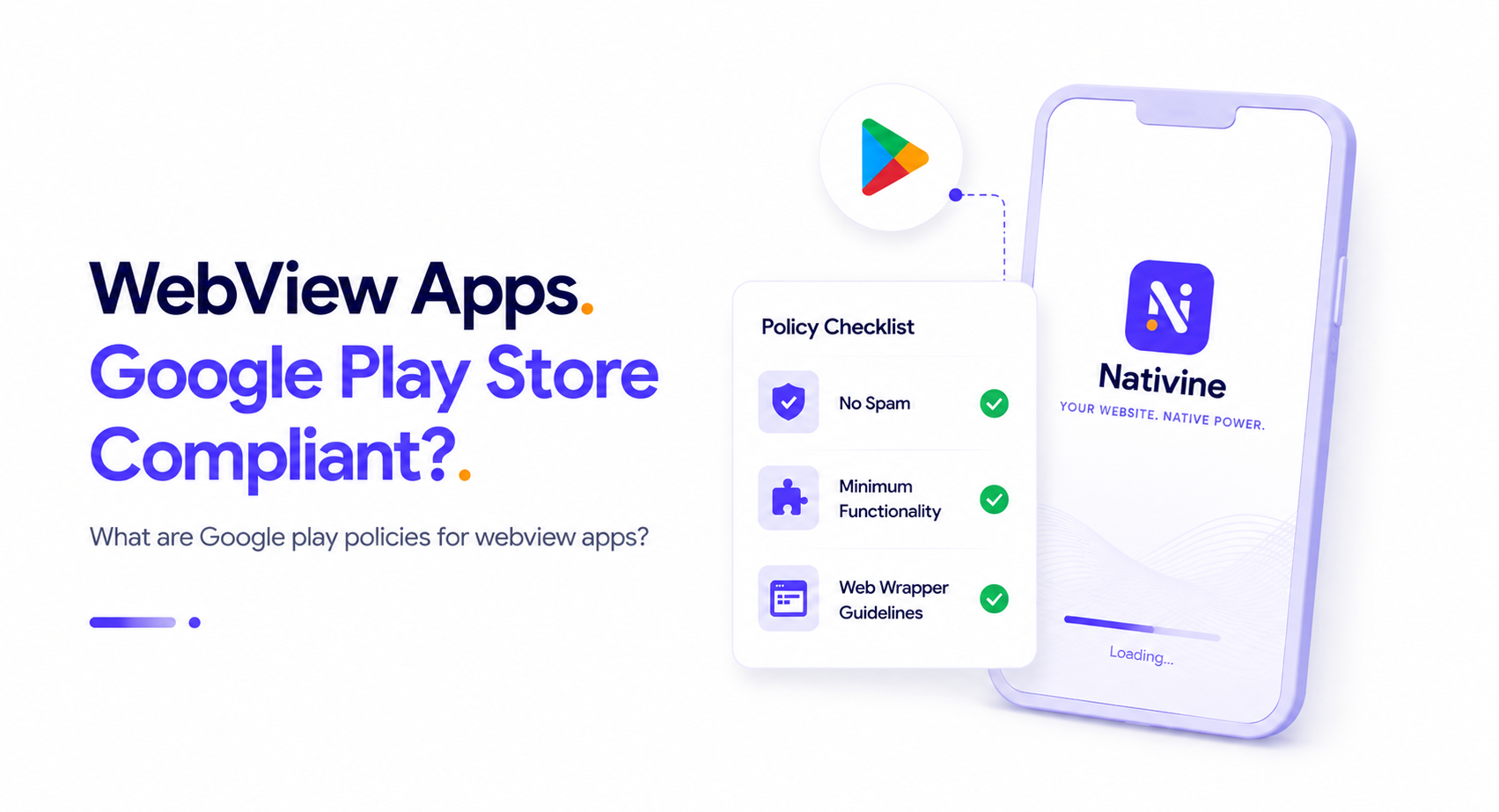
The Compliance Question: Can WebView Apps Succeed on the Play Store?
For developers and businesses looking to bring their existing web applications to the Android platform, using a WebView wrapper is one of the most efficient paths. However, a common question looms large: Are WebView apps Google Play Store compliant?
The short answer is yes, but with strict conditions. Google Play does not ban WebViews outright. In fact, many high-profile applications rely heavily on web views to deliver dynamic content. However, Google enforces specific policies designed to prevent low-quality spam and copyright violations. To ensure your WebView app gets approved, you must understand these policies and design your application accordingly.
1. The "Minimum Functionality" Policy (Spam & Utility)
Google Play’s Policy Developer Program explicitly states that apps should provide users with a basic level of functionality and utility. Pure "web wrappers" that do nothing more than load a public website with zero native integration are frequently flagged and rejected under the Minimum Functionality or Spam policies.
"At a minimum, apps should provide users with a basic, active, and interactive user experience. Apps that simply load a website URL, redirect users to an external site, or have no dynamic features will be rejected."
To comply with this policy, your app must offer value beyond what a user gets by simply visiting your site in a mobile browser (like Chrome or Safari). This includes integrating native mobile features such as:
- Push Notifications: Enabling real-time user engagement and re-engagement via native system alerts.
- Native Navigation & UI Controls: Custom loading indicators, native splash screens, share controls, and pull-to-refresh gestures.
- Biometric Security: Logging in using Face ID or fingerprint readers.
- Offline States: Displaying graceful offline screens or cached content when network access is lost.
2. Web View and Affiliate Spam Policies
Another common pitfall is violating Google's policy on Web Views and Affiliate Spam. Google prohibits apps whose primary purpose is to drive affiliate traffic to a website or to wrap a website that you do not own or manage. If you are wrapping your own SaaS, e-commerce store, or business platform, you must prove ownership of the domain. If you wrap a third-party website (such as wrapping Google or Amazon to place affiliate links), your app will be flagged for trademark violation or affiliate spam.
3. Handling In-App Purchases (Google Play Billing)
One of the most critical compliance areas is payment processing. If your web application sells digital goods, services, or subscriptions (such as game currency, premium content access, or SaaS memberships), Google Play requires you to use the Google Play Billing Library. Simply loading your website's Stripe or PayPal checkout inside a WebView for digital purchases will lead to an immediate ban once discovered.
However, if you are selling physical goods (like an e-commerce store selling clothes) or physical services (like ride-sharing or food delivery), you are permitted—and encouraged—to use standard web-based payment gateways like Stripe, Braintree, or Apple Pay within the WebView.
4. User Interface and Native Feel
Google Play reviewers evaluate the user experience. If your website is not responsive or looks like a desktop site forced into a mobile screen, the app may be rejected for poor user experience. Prior to wrapping your app, ensure that your mobile layout is flawless, touch targets are at least 48dp in size, and layout shifts (CLS) are minimized. Using modern styling techniques like glassmorphism and subtle animations will make your hybrid app feel completely native.
How Nativine Guarantees Compliance
Using a premium converter like Nativine ensures your WebView application is built on a highly compliant, native Android template. Nativine automatically configures the native splash screen API, supports dynamic push notification permissions, gates system permissions like camera and location dynamically, and packages your app using modern Gradle architectures. This native-shell wrapper satisfies Google's minimum utility requirements by default.