


Demystifying WebView Technology
In modern mobile application development, you do not always need to build two separate codebases using Kotlin and Swift to reach Android and iOS users. Instead, many businesses use WebView technology. But what is a WebView app, and how does it work under the hood?
What Is a WebView App?
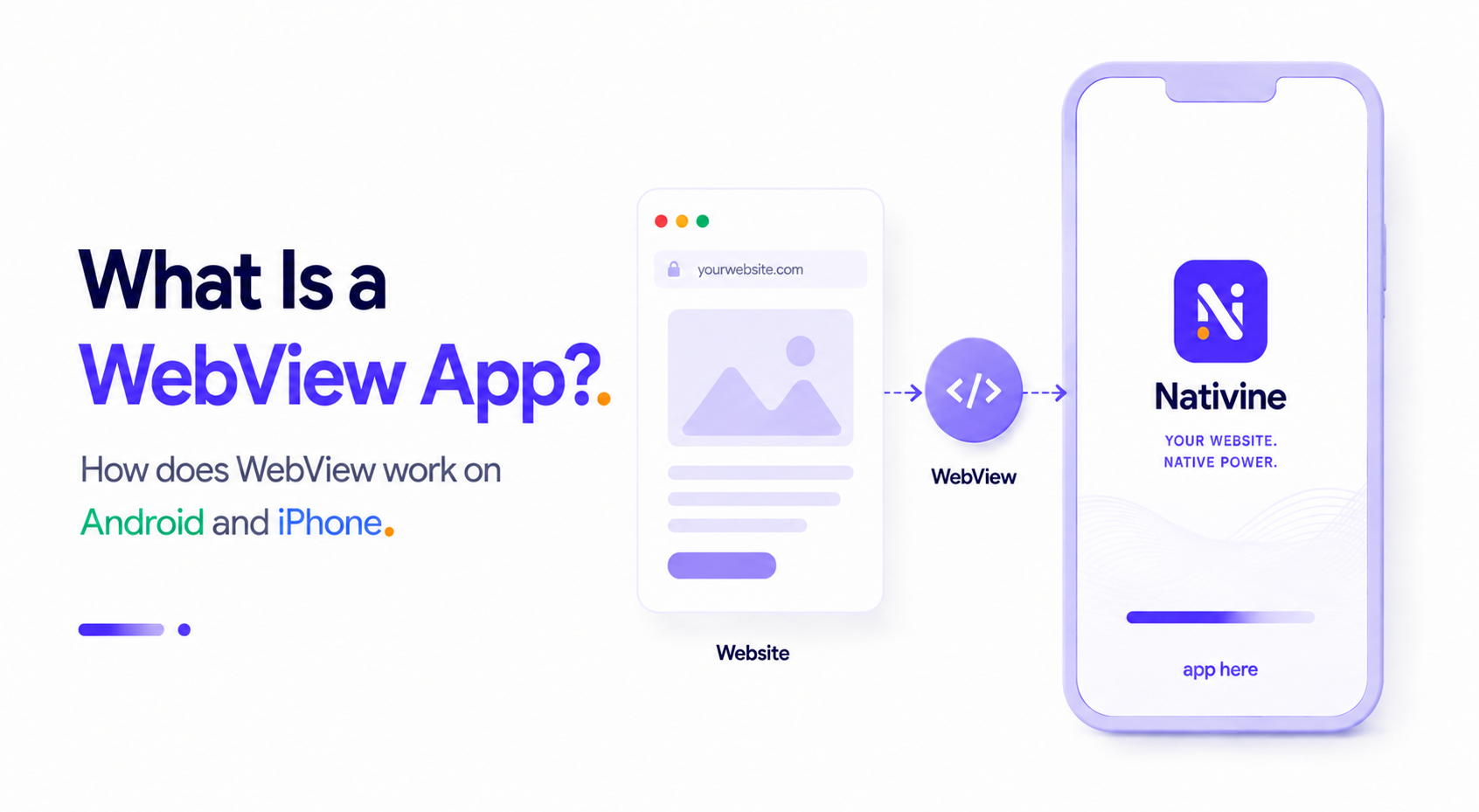
A WebView app is a hybrid mobile application that wraps a web application inside a native container. Think of it as a custom, branded web browser with no address bar, back/forward buttons, or tabs. It runs full-screen, loads your website, and is packaged as an APK/AAB (for Android) or IPA (for iOS) so it can be installed from the Google Play Store and Apple App Store.
How WebView Works on Android and iOS
Mobile operating systems do not render HTML and CSS natively; instead, they delegate this to built-in browser engines via specialized system UI components:
1. Android: Android System WebView
On Android, the container is called android.webkit.WebView. It is powered by the Chromium rendering engine (the same engine behind Google Chrome). Android WebView is updated independently through the Google Play Store, ensuring that even older devices receive modern CSS and JS capabilities.
2. iOS: WKWebView
On iOS, the standard is WKWebView (WebKit Web View), which replaced the deprecated UIWebView. It is powered by Apple's WebKit engine (the engine behind Safari). WKWebView runs in a separate process from the main app, which means memory leaks or crashes on the webpage won't crash the host application.
The JavaScript-to-Native Bridge
The magic of a WebView app lies in the communication bridge. Web pages inside a standard browser are sandboxed and cannot access device hardware. WebView wraps this in a native interface that allows JavaScript to trigger native code.
For example, in Kotlin, we can register a Javascript interface:
webView.addJavascriptInterface(AppJsBridge(this), "AndroidBridge")Inside your web application's JavaScript, you can call this native method directly:
if (window.AndroidBridge) {
    window.AndroidBridge.showToast("Hello from Web!");
}
This allows the web application to request native device operations, such as triggering haptic feedback, checking biometrics, initiating a print document, or requesting push notification permissions.
Benefits of WebView Architecture
- Single Codebase: You only develop and maintain one website. Any feature added to your web application is instantly live in your mobile app.
- Instant Deployments: Bypass App Store review cycles for minor changes. As soon as you deploy to your web server, all app users see the update.
- Small Bundle Size: Since the rendering engine is built into the OS, the app package itself is incredibly small—often less than 10MB.