


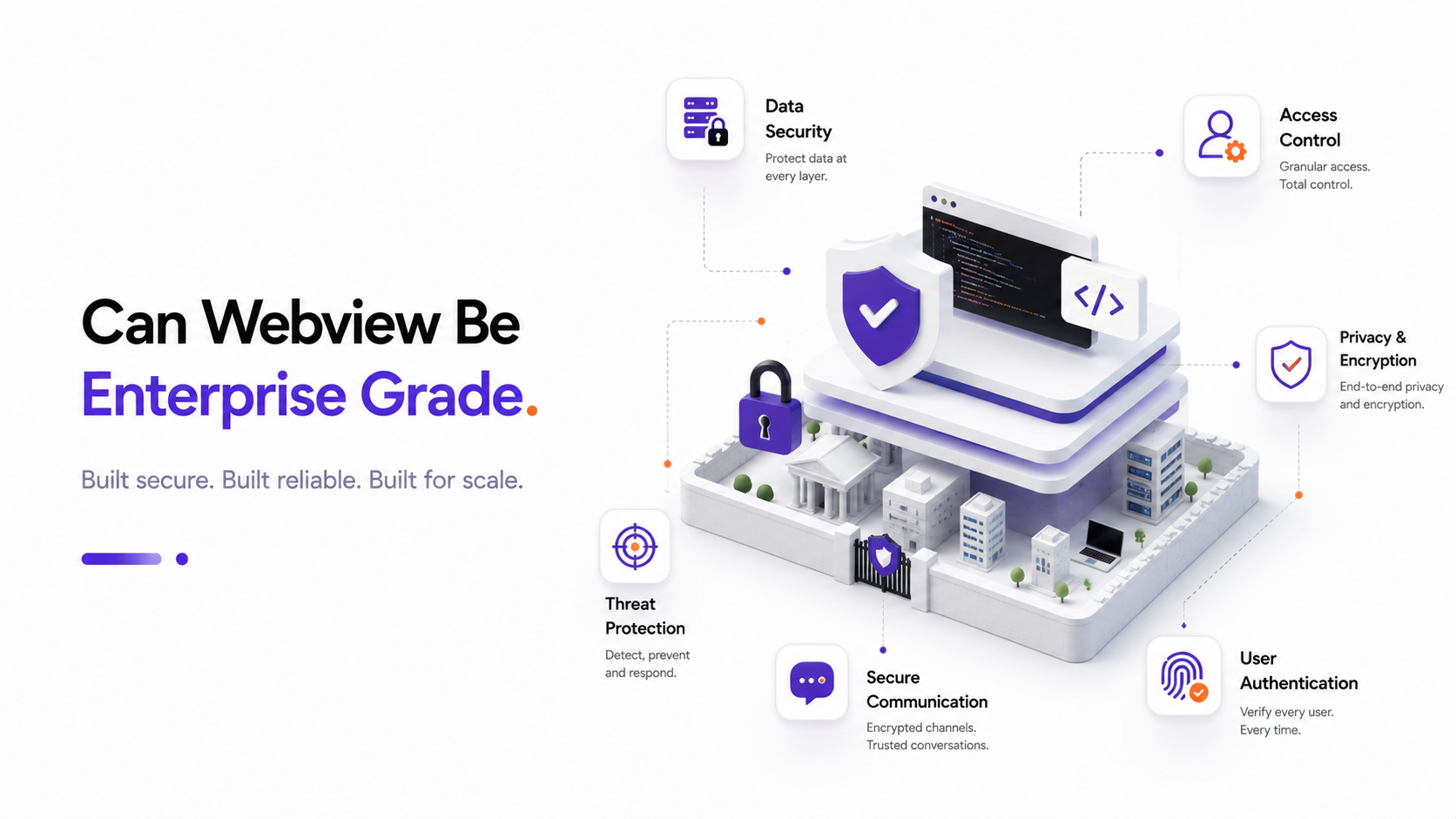
The Enterprise Standards: Security First
Skeptics often claim that WebView-wrapped apps are not secure enough for enterprise deployment. They assume that wrapping a website inside an Android or iOS application leaves it vulnerable to reverse engineering, Man-in-the-Middle (MITM) attacks, and cookie theft. However, with proper native integration and strict security measures, a WebView wrapper can easily meet the compliance standards of financial, medical, and corporate enterprises.
1. Securing the JavaScript-to-Native Bridge
The primary attack vector in custom WebView shells is the communication bridge. If not configured correctly, malicious websites loaded within the app could execute arbitrary native code. To prevent this:
- Explicit Callbacks: Never expose raw native code directly. Use explicit interfaces (like Android's
@JavascriptInterface) that validate incoming messages before execution. - Origin Whitelisting: Restrict bridge communication only to your verified primary domain. Block scripts from executing callbacks if they originate from third-party advertising iframe containers or social login pages.
2. Implementing SSL Pinning
Enterprise apps cannot rely on standard system certificate trust stores alone, as they can be compromised by user-installed profiles. SSL Pinning hardcodes your server's certificate or public key hash inside the native shell. The app will immediately block any connection if it detects a proxy or a mock certificate, effectively preventing Man-in-the-Middle attacks on public Wi-Fi networks.
3. Secure Session Storage & Biometrics
Web browser cookies and localStorage are relatively easy to read on rooted or jailbroken devices. Enterprise wrappers should store sensitive access tokens in secure native vaults:
- Android Keystore: Encrypts tokens using hardware-backed cryptographic keys.
- iOS Keychain: A secure database that stores tokens with hardware-level protection.
When the user launches the app, they can be authenticated via Biometric Authentication (Face ID/Fingerprint). Upon success, the native vault decrypts the token and injects it securely into the WebView's session cookies, keeping the token out of standard, vulnerable web storage.
4. Preventing Screen Capture and Obfuscation
For data compliance (like HIPAA or PCI-DSS), preventing screen leakage is crucial. In Android, you can enforce this inside MainActivity.kt with a single native line:
window.setFlags(WindowManager.LayoutParams.FLAG_SECURE, WindowManager.LayoutParams.FLAG_SECURE)This disables screenshot capture, prevents screen recording, and hides the app preview in the multitasking drawer.
Conclusion
With these protocols, a WebView app is structurally as secure as a pure native app. If you secure the network layer, sanitise inputs, whitelist origins, and leverage hardware-backed storage, your wrapped application will easily pass corporate security audits.